

Choosing the right hosting solution is one of the most complex decisions IT leaders face today. Mistakes can trigger costly downtime, expose critical security vulnerabilities, and lock your organization into inflexible vendor contracts. This guide walks you through a structured, data-backed selection process that helps you evaluate providers with confidence, ensuring your infrastructure supports growth while meeting stringent security and compliance requirements. You'll learn how to define precise criteria, test real workloads, and negotiate contracts that protect your interests.
Table of Contents
- Key takeaways
- Preparing to select your hosting solution: defining needs and criteria
- Executing the evaluation: creating a weighted scoring matrix and testing providers
- Understanding hosting types and managing risks: managed vs unmanaged, cloud vs dedicated
- Negotiation and final decision: total cost of ownership and contractual safeguards
- Discover reliable and secure hosting solutions at Internetport
- Frequently asked questions
Key Takeaways
| Point | Details |
|---|---|
| Structured evaluation framework | Define needs, map to technical requirements, and build a weighted scoring plan to compare providers. |
| Real workload testing | Run proof of concept with real or representative workloads to validate claims before committing to a provider. |
| Security and support priority | Prioritize security compliance, support quality, and cost transparency over sheer speed when selecting hosting partners. |
| Backup vendor leverage | Evaluate at least one backup vendor to increase negotiating leverage and potentially secure better pricing or terms. |
| Three year cost model | Develop a three year total cost of ownership model including hidden fees and renewal price hikes. |
Preparing to select your hosting solution: defining needs and criteria
Before evaluating any provider, you must understand what your organization truly needs. Start by auditing your current infrastructure to identify bottlenecks like high I/O wait times or elevated p95 latency on time to first byte. These metrics reveal where your existing setup fails under load. Next, define your business goals clearly. Are you planning rapid user growth? Do compliance mandates like HIPAA or GDPR dictate data handling? What uptime targets does your SLA promise customers?
Translate these goals into technical requirements. Specify security standards like ISO 27001, SOC 2, or PCI DSS that vendors must meet. Determine scalability needs by modeling peak traffic scenarios and seasonal spikes. Establish cost constraints by calculating total cost of ownership over three years, including hidden fees like bandwidth overages and renewal price hikes. Create a checklist covering performance benchmarks, security certifications, scalability features, cost transparency, and support availability.
Pro Tip: Avoid premature optimization. Focus on known bottlenecks and realistic traffic forecasts rather than hypothetical edge cases. Overengineering wastes budget and complicates vendor selection.
Consider exploring enterprise webhosting solutions that align with your defined criteria, especially if you need flexible infrastructure that scales with business demands. Document every requirement in a shared spreadsheet so stakeholders can review priorities and weights before moving to evaluation.
Executing the evaluation: creating a weighted scoring matrix and testing providers
With criteria defined, build an objective framework to compare providers. Assign weights to each criterion based on organizational priority. For most enterprises, security and support quality outweigh raw speed metrics. A typical weighting might allocate 30% to security compliance, 25% to support responsiveness, 20% to scalability features, 15% to cost transparency, and 10% to performance benchmarks.
Score each provider on measurable metrics. Evaluate uptime guarantees (target 99.9% or higher), mean time to first byte under load, and IOPS for storage-intensive workloads. Don't rely solely on vendor-provided benchmarks. Conduct proof-of-concept testing with real or synthetic workloads to validate claims. Use tools like K6 to simulate 500 concurrent users and measure latency, throughput, and error rates under stress.

Request live demos where vendors deploy your actual application stack. Include security assessments in the evaluation phase, reviewing incident response procedures and breach detection capabilities. Build a comparison table to visualize scores across providers:
| Provider | Security (30%) | Support (25%) | Scalability (20%) | Cost (15%) | Performance (10%) | Total Score |
|---|---|---|---|---|---|---|
| AWS | 28 | 20 | 18 | 12 | 9 | 87 |
| DigitalOcean | 25 | 22 | 16 | 14 | 8 | 85 |
| SiteGround | 24 | 23 | 14 | 13 | 7 | 81 |
Pro Tip: Evaluate at least one backup vendor even if you have a clear favorite. This creates negotiating leverage and can yield 20% to 30% better pricing or contract terms.
When assessing hosting provider evaluation options, prioritize vendors who transparently share performance data and allow extended trial periods for realistic testing. Schedule technical deep dives with engineering teams to probe infrastructure architecture, redundancy strategies, and disaster recovery protocols.
Understanding hosting types and managing risks: managed vs unmanaged, cloud vs dedicated
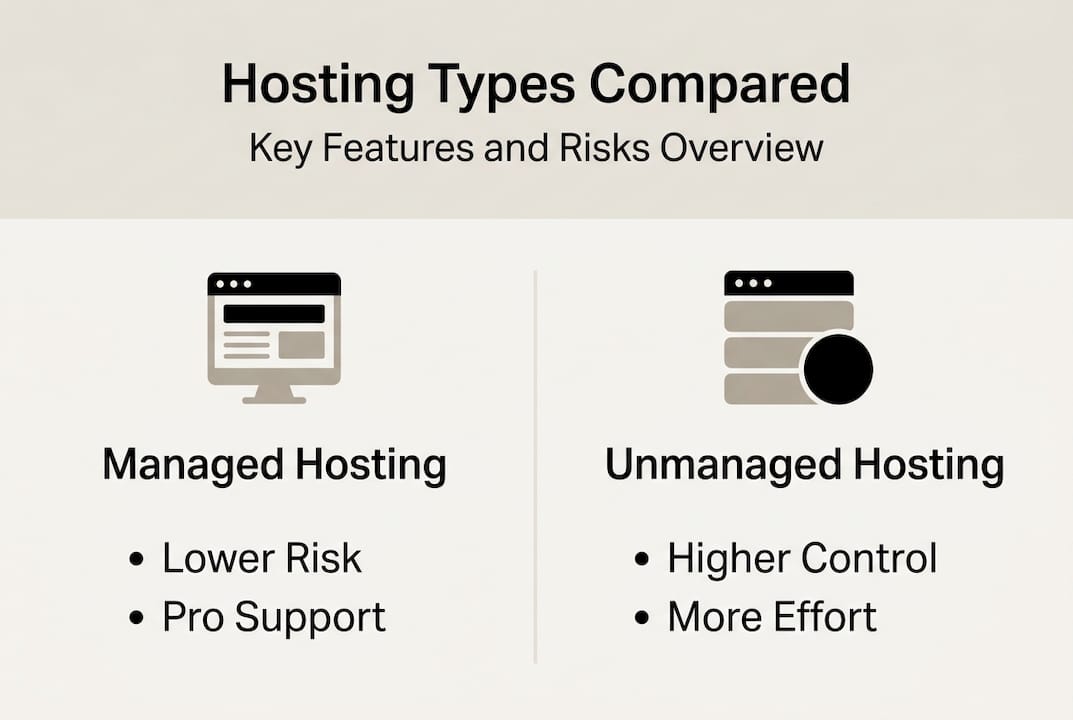
Hosting type selection depends on your operational capabilities and risk tolerance. Managed hosting outsources server administration, security patching, and monitoring to the provider. This reduces operational toil but costs more and limits low-level control. Unmanaged hosting grants full root access and configuration freedom but demands skilled system administrators to handle setup, hardening, and maintenance.
Cloud hosting excels for workloads with unpredictable or bursty traffic patterns. Auto-scaling features adjust resources dynamically, preventing over-provisioning waste. However, cloud environments introduce risks like noisy neighbors on shared infrastructure and potential vendor lock-in through proprietary APIs. Dedicated servers suit steady-state workloads with consistent I/O demands and strict compliance requirements. You gain predictable performance and physical isolation but sacrifice elasticity.
Consider these trade-offs:
- Managed hosting pros: reduced ops burden, faster incident response, included security updates
- Managed hosting cons: higher cost, limited customization, dependency on provider expertise
- Unmanaged hosting pros: full control, lower base cost, custom security policies
- Unmanaged hosting cons: requires expert staff, slower patching, higher operational risk
- Cloud hosting pros: elastic scaling, pay-per-use pricing, geographic distribution
- Cloud hosting cons: variable performance, egress fees, API lock-in risk
- Dedicated hosting pros: consistent performance, physical isolation, compliance-friendly
- Dedicated hosting cons: fixed capacity, higher upfront cost, manual scaling
Shared hosting and basic VPS plans often suffer from poor security detection capabilities and noisy neighbor interference. Avoid these for production workloads handling sensitive data. When data sovereignty or regulatory mandates require on-premises infrastructure, consider hybrid models that keep critical data local while leveraging cloud for burst capacity.
Explore virtual private server options for workloads needing isolation without dedicated hardware costs, or review dedicated server hosting when compliance demands physical separation. Match hosting type to your team's operational maturity and the application's technical profile.
Negotiation and final decision: total cost of ownership and contractual safeguards
Once evaluation narrows your choices, focus on financial optimization and contractual protections. Calculate total cost of ownership over at least three years, including base fees, bandwidth overages, storage expansion, support tiers, and renewal price increases. Many providers offer steep discounts for year one but hike rates 40% or more at renewal. Model these scenarios to avoid budget surprises.
Negotiate contracts with measurable service level agreements. Specify uptime guarantees with financial penalties for breaches, maximum response times for critical incidents, and data backup frequency. Include clear exit clauses covering data portability, migration assistance, and contract termination notice periods. Validate that terms address compliance certifications, data ownership rights, and liability caps.
Follow this negotiation sequence:
- Present your weighted scoring matrix showing how vendors compare objectively
- Share that you're evaluating multiple finalists to create competitive pressure
- Request pricing concessions based on multi-year commitments or prepayment
- Negotiate custom SLA terms for critical metrics like security incident response
- Secure written commitments for roadmap features important to your growth plans
- Review contract language with legal counsel before signing
Avoid these common mistakes:
- Ignoring egress fees that can exceed base hosting costs for data-intensive applications
- Accepting weak SLAs without financial penalties for downtime
- Overlooking renewal terms that lock in unfavorable pricing
- Failing to specify data migration assistance if you switch providers
- Skipping technical deep dives that reveal infrastructure limitations
Engage backup vendors throughout negotiation to maintain leverage. Even if you don't switch, competitive quotes often yield 20% to 30% better deals. Use service contract management tools to track renewal dates, SLA compliance, and vendor performance metrics over time.
Discover reliable and secure hosting solutions at Internetport
After mastering the selection process, consider how Internetport's enterprise-grade infrastructure aligns with best practices outlined in this guide. Internetport operates two fully equipped data centers with redundant systems, PCI DSS certification, and fault-tolerant architecture designed for mission-critical workloads. Their SSD-based VPS and dedicated servers come with the latest Plesk control panel, free SSL certificates, and daily automated backups.

Whether you need enterprise webhosting with flexible scaling, dedicated server hosting options for compliance-sensitive applications, or virtual private servers balancing isolation and cost, Internetport provides transparent pricing and expert support. Their infrastructure supports global connectivity with high-speed links and colocation options for hybrid deployments. Pro Tip: Leverage Internetport's technical support resources to simplify ongoing hosting management and accelerate incident resolution.
Frequently asked questions
What is the first step in the hosting solution selection process?
The first step is defining your business and technical requirements clearly, including security certifications, performance benchmarks, and growth projections. This foundational work ensures all subsequent evaluation aligns with your organization's priorities and prevents costly mismatches. Document requirements in a shared format so stakeholders can validate priorities before engaging vendors.
How important is proof-of-concept testing during evaluation?
Proof-of-concept testing with real workloads provides reliable data on actual performance and stability under production conditions. It helps prevent costly mismatches between vendor marketing claims and real-world operation. Always prioritize hands-on testing over polished demos, and use standardized load testing tools to generate comparable metrics across providers.
What are the risks of choosing unmanaged hosting solutions?
Unmanaged hosting demands skilled system administrators to handle server setup, security hardening, patching, and ongoing maintenance. Without in-house expertise, risks include misconfigurations that expose vulnerabilities, delayed security updates, and extended downtime during incidents. Managed hosting reduces these operational risks but costs more and limits low-level customization.
How do I calculate total cost of ownership for hosting?
Calculate TCO by summing base hosting fees, bandwidth and storage overages, support tier costs, SSL certificate renewals, and backup storage over at least three years. Include price increases at renewal, which often jump 40% or more after promotional periods. Model scenarios for traffic growth and storage expansion to avoid budget surprises. Request detailed pricing breakdowns from vendors covering all potential fees.
Should I choose cloud or dedicated hosting for my enterprise application?
Choose cloud hosting if your workload has unpredictable traffic patterns, requires geographic distribution, or benefits from auto-scaling. Select dedicated hosting when you need consistent I/O performance, must meet strict compliance mandates, or run steady-state workloads without burst requirements. Hybrid approaches combining both models often work best, keeping sensitive data on dedicated infrastructure while using cloud for variable capacity needs.