

Choosing a cloud hosting or colocation vendor that allows cost-effective, scalable management beyond Softaculous.com control is complex. Many competitors force expensive contract tiers, tie site management to third-party add-ons, or restrict integration flexibility for modern hosting teams. You can weigh management features, integration freedom, and hosting models across five alternatives and pick a provider that aligns with your team's infrastructure style.
Table of Contents
- Internetport
- DigitalOcean Cloud Platform for AI and Cloud Infrastructure
- Vultr Cloud GPU
- CyberPanel
- PanelAlpha
- Comparison of alternatives
Internetport
At a Glance
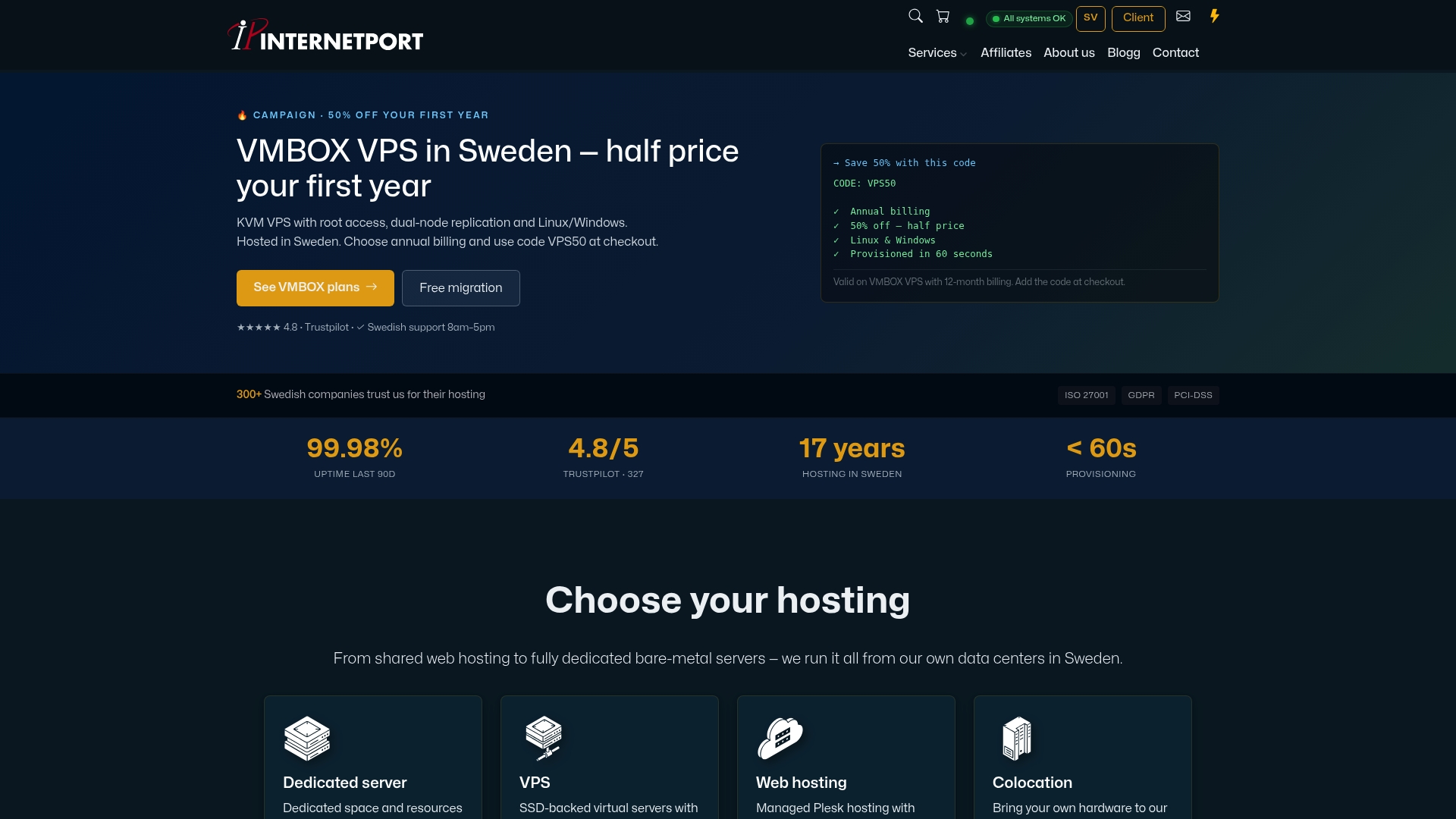
Object storage includes a free 10 GB tier and free data transfer while supporting S3 clients. The service runs from Internetport's own data halls in Hudiksvall and Stockholm. That local hosting supports GDPR compliance and keeps data physically in Sweden.
Core Features
Internetport offers S3-compatible object storage with replication and no transfer fees, plus VPS hosting with root access and replication. Dedicated servers use AMD and Dell PowerEdge hardware and can include GPU options for AI and HPC workloads. Web hosting comes with Plesk for unlimited domains, email, and SSL, and colocation is available across Swedish and European facilities certified PCI DSS compliant.
Key Differentiator
The clearest distinction is S3 compatibility combined with GDPR-compliant storage and free data transfer, all hosted in Swedish data centers. That setup lets teams use standard S3 tools while keeping residency and compliance controls local. For projects that must remain in Sweden, this avoids cross-border storage complexity.
Pros
Internetport is a local provider with over ten years of operational experience and its own fully equipped data centers. The provider supports a full stack from object storage to dedicated servers and colocation, which simplifies vendor management for infrastructure teams. Storage includes a free 10 GB entry tier and free data transfer, lowering the cost of backups and media hosting. According to the company, Trustpilot scores indicate high customer satisfaction, which aligns with long-term customer relationships reported by the vendor.
Cons
- Some public service pages returned 404 errors, suggesting incomplete or outdated site content.
Who It's For
You should consider Internetport if your company needs hosting or storage with Swedish data residency. It fits e-commerce, media teams, and regulated businesses that require GDPR alignment and PCI DSS certified facilities. European organizations that prefer a single vendor for storage, VPS, dedicated servers, and colocation will find the service model convenient.
Unique Value Proposition
Local data residency combined with S3 compatibility means you can run standard S3 tools while keeping data physically in Sweden. That reduces legal and operational friction for EU compliance and makes migration simpler for teams already using S3 APIs. For architects who must control data location, this trades cross-border complexity for predictable tooling.
Real World Use Case
A Swedish e-commerce retailer runs its storefront on Internetport dedicated servers and stores images and video in the S3-compatible object store. Backups and large media files move without transfer charges. The setup keeps customer data under Swedish jurisdiction while letting developers use familiar S3 tooling.
Pricing
Pricing varies by service and by configuration. Object storage starts with a free 10 GB tier and scales with usage. Dedicated servers, VPS, web hosting, and colocation use tiered pricing and require an order for specific quotes.
Website: https://internetport.com
DigitalOcean Cloud Platform for AI and Cloud Infrastructure
At a Glance
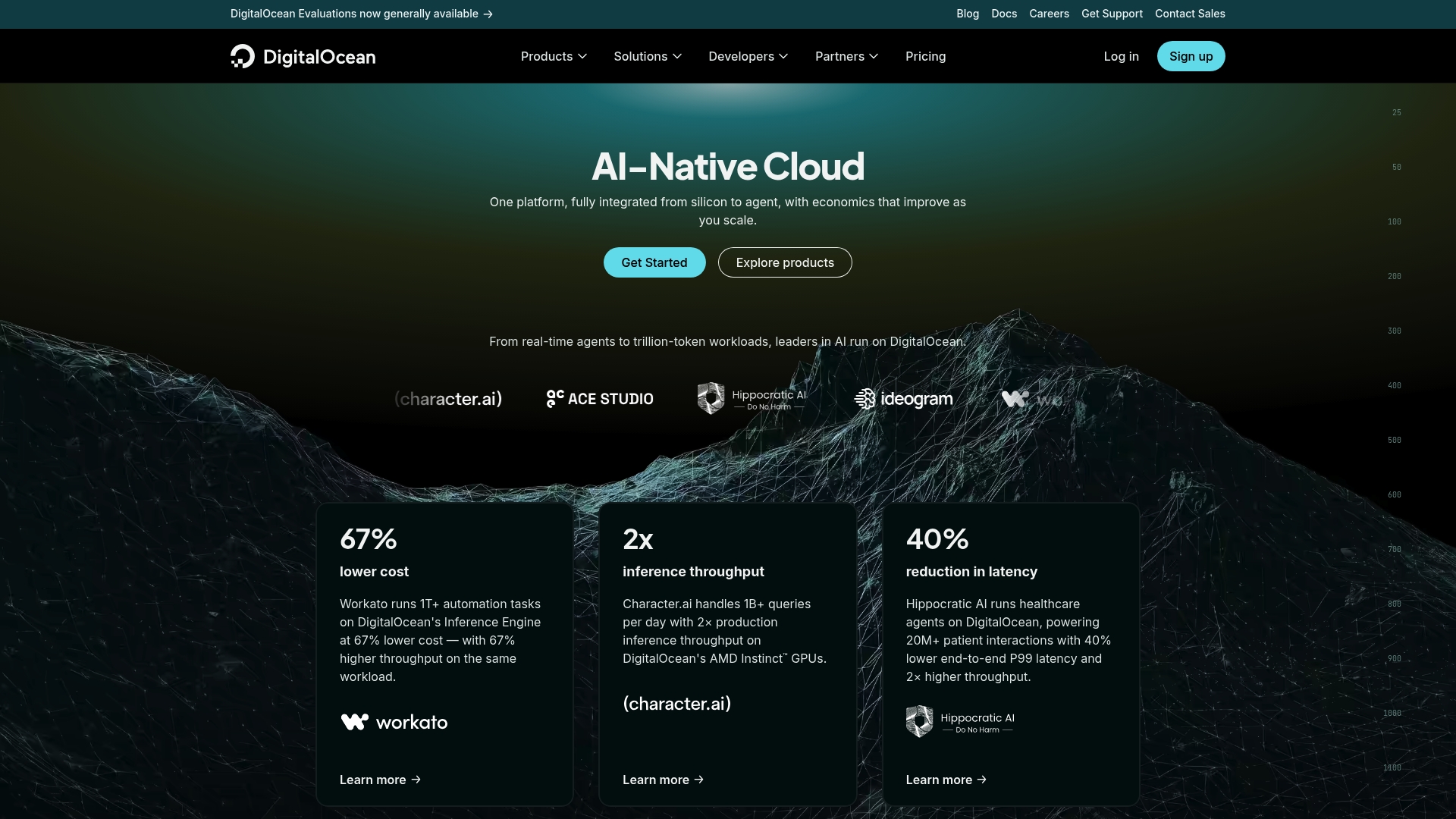
DigitalOcean advertises inference starting at $0.05 per million tokens and GPU droplets from $0.76 per GPU/hour on-demand. This positions the platform as cost-focused for AI inference and experimentation. The offering bundles hardware, orchestration, and model routing into a single commercial stack aimed at teams running production AI workloads.
Core Features
DigitalOcean combines hardware choices with managed software layers, including agent orchestration, an inference router, and data and learning tools. Hardware options include NVIDIA H100, H200, and AMD MI300X, plus standard cloud primitives like managed databases, storage, and networking. The platform also supports open model access and developer resources for building and operating AI applications.
Key Differentiator
An end-to-end integrated AI-native cloud platform owned and optimized by DigitalOcean sets this apart from general cloud VPS providers. The platform ties proprietary hardware availability to managed inference routing and automatic model selection. That tight integration aims to cut friction between model selection, deployment, and scaling for production AI workloads.
Pros
The platform delivers a single vendor pathway from hardware to agent orchestration, which reduces the number of handoffs when you deploy models. Advanced GPU and accelerator options make it viable for heavy inference and training jobs. Open model support and the inference router simplify switching models at runtime. Predictable flat-rate pricing is advertised for common workloads and can lower surprises at scale. Developer tutorials and tooling shorten the ramp for teams building agent-based applications.
Cons
- Limited third-party review data to validate claims. This makes independent reliability assessment harder.
- Complexity may be high for teams new to cloud infrastructure and model ops. Expect a learning curve for orchestration and cost controls.
- Pricing details are simplified in marketing materials. Actual bills can vary significantly based on sustained GPU use and egress.
When It May Not Fit
If your team lacks cloud operations experience, managing model pipelines and GPU fleets here will demand time and staff. Small projects with tight monthly budgets may find committed plans cheaper elsewhere. Organizations that require extensive independent validation and third-party references may prefer vendors with broader public review coverage.
Who It's For
AI developers and engineering teams that need unified infrastructure for training, inference, and agent orchestration will benefit most. The platform suits groups that plan sustained GPU usage and want fewer vendor handoffs between model hosting and data services. Enterprise teams with existing cloud skills can exploit the managed layers for faster production launches.
Real World Use Case
DigitalOcean's marketing materials state a healthcare startup used Hippocratic AI on the platform to handle 20M+ patient interactions with improved latency and throughput. That example illustrates how the platform links model hosting, routing, and optimized hardware for high-volume conversational workloads.
Pricing
DigitalOcean advertises the token and GPU rates above and lists pay-as-you-go pricing for databases, storage, and networking. The vendor shows optional commitments for lower hourly GPU rates and flat monthly caps for common services. For detailed, live figures consult the provider pricing pages.
Website: https://digitalocean.com
Vultr Cloud GPU

At a Glance
Vultr reports starting pricing of $2.590 per GPU/hr for the AMD MI355X. The platform delivers virtualized GPUs for AI, HPC, and graphics workloads across multiple global regions. It supports both on demand and contract billing and includes tools such as Vultr Agent for infrastructure automation.
Core Features
Provisioning of virtualized GPUs on demand pairs with a selection of GPU models from AMD and NVIDIA, so you can match hardware to workload. The service sits alongside Vultr compute, storage, and network services for single-vendor cloud stacks. Management tooling includes Vultr Agent for automation and cost estimation, plus global data center locations for lower latency access.
Key Differentiator
The platform centers on flexible, on demand GPU provisioning across many regions, letting teams spin up GPU instances for short runs or burst jobs. That model fits workflows that need varied GPU types by task, such as training on high memory GPUs and running inference on cheaper cards.
Pros
Flexible on demand provisioning lets you start and stop GPU instances by the hour, which controls short term costs and supports experimentation. The catalog of AMD and NVIDIA models covers training, inference, and graphics, so you can pick a GPU that fits memory and compute needs. Integration with Vultr compute, storage, and networking reduces the friction of moving data between services. Transparent hourly billing helps forecasting for short projects and proof of concept work.
Cons
- Pricing may be costly for sustained, large scale GPU workloads. Renting many GPUs for production training can exceed fixed contract options.
- The marketing materials do not include detailed GPU performance benchmarks, so you must validate throughput and memory behavior yourself.
- You need a solid understanding of GPU workloads to configure instances and storage for maximum efficiency.
When It May Not Fit
Teams running sustained, large scale training jobs that need predictable monthly costs will likely find this model expensive. Organizations requiring third party validated GPU benchmarks will need to run their own tests because benchmarks are not specified in detail. If your team lacks GPU ops experience, the configuration and cost tuning will add time to deployment.
Who It's For
Developers and companies that need scalable GPU compute for AI, HPC, or visualization and that value hourly billing and global availability. It suits teams that run mixed workloads and want to move quickly between experiments and short training jobs. It also fits shops that can tune GPU instances and manage data pipelines.
Real World Use Case
A biotech company runs large molecular simulations on Vultr Cloud GPU using NVIDIA cards to accelerate compute. They provision clusters for bursts of model training, then tear them down to avoid idle cost. That approach reduced queue time for researchers and sped iteration on model parameters.
Pricing
The starting rate above is $2.590 per GPU/hr for the AMD MI355X. Other GPU models vary by configuration and workload, and Vultr offers both on demand and contract billing options to match predictable or bursty spending patterns.
Website: https://vultr.com
CyberPanel
At a Glance
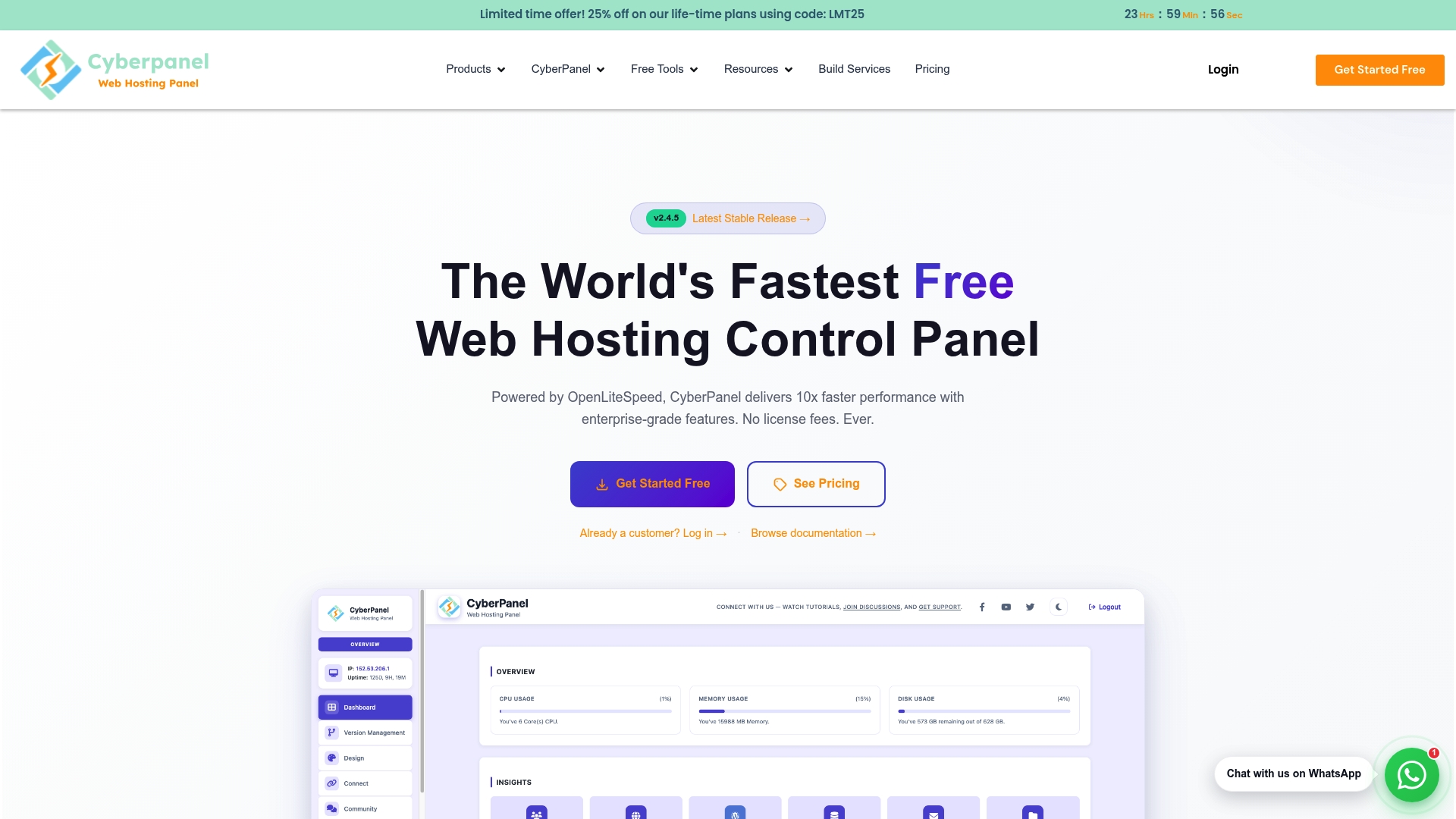
CyberPanel reports OpenLiteSpeed delivers 10x faster performance than Apache. The control panel is free and open source while offering one click WordPress installs and Docker deployment. It also supports unlimited websites and email accounts, plus automated SSL renewals and backup automation.
Core Features
CyberPanel runs on OpenLiteSpeed and preserves full Apache .htaccess compatibility inside the control panel, letting hosts reuse existing rules. You can manage websites, email, DNS, and Docker containers from the same interface, and the panel includes firewall controls, automated backups, and SSL certificate auto-renewal. Premium modules add management tools for teams and advanced server tasks.
Key Differentiator
CyberPanel centers on its enhanced OpenLiteSpeed engine paired with full Apache .htaccess compatibility. That speed claim and compatibility let providers migrate cPanel or Plesk sites without rewriting server rules.
Pros
Fast performance driven by OpenLiteSpeed supports dense hosting accounts and dynamic sites. The platform is free to use, which lowers hosting overhead and lets teams adopt it for testing or production without license costs. Management covers websites, email, DNS, Docker containers, and one click WordPress administration, which reduces the number of separate tools you must operate.
Cons
- Advanced features require technical knowledge, so nontechnical administrators will face a learning curve.
- Some premium modules cost extra and are billed annually, which adds recurring fees for specific features.
- Third party integrations beyond the core stack are limited, which can force custom scripting for some workflows.
- Support quality may vary by channel, according to third party reviews, so response consistency is not guaranteed.
When It May Not Fit
If you require an enterprise support contract bundled with licensing, CyberPanel may fall short because advanced modules need separate paid licenses. If your team relies on a broad marketplace of third party control panel integrations, the limited integration set may force custom work. If nontechnical staff must manage servers without training, the required technical knowledge becomes a barrier.
Who It's For
Web hosting providers who want lower operational cost and migration paths from cPanel or Plesk will find CyberPanel attractive. Developers deploying containers and WordPress sites will benefit from the control panel's tooling and speed claim. Small to medium businesses that need performant hosting without licensing fees will also be a good match.
Real World Use Case
A hosting provider migrated cPanel customers to CyberPanel to reduce licensing costs and keep existing .htaccess rules intact. The move preserved URL rewrites and access controls while improving page load times according to the provider's metrics. The team used Docker tools and one click WordPress management to speed deployments.
Pricing
The core control panel is free to use with optional paid modules. Pricing lists $59 per year for the .htaccess module and $59 per year for CyberPanel add ons as the common paid options.
Website: https://cyberpanel.net
PanelAlpha
At a Glance
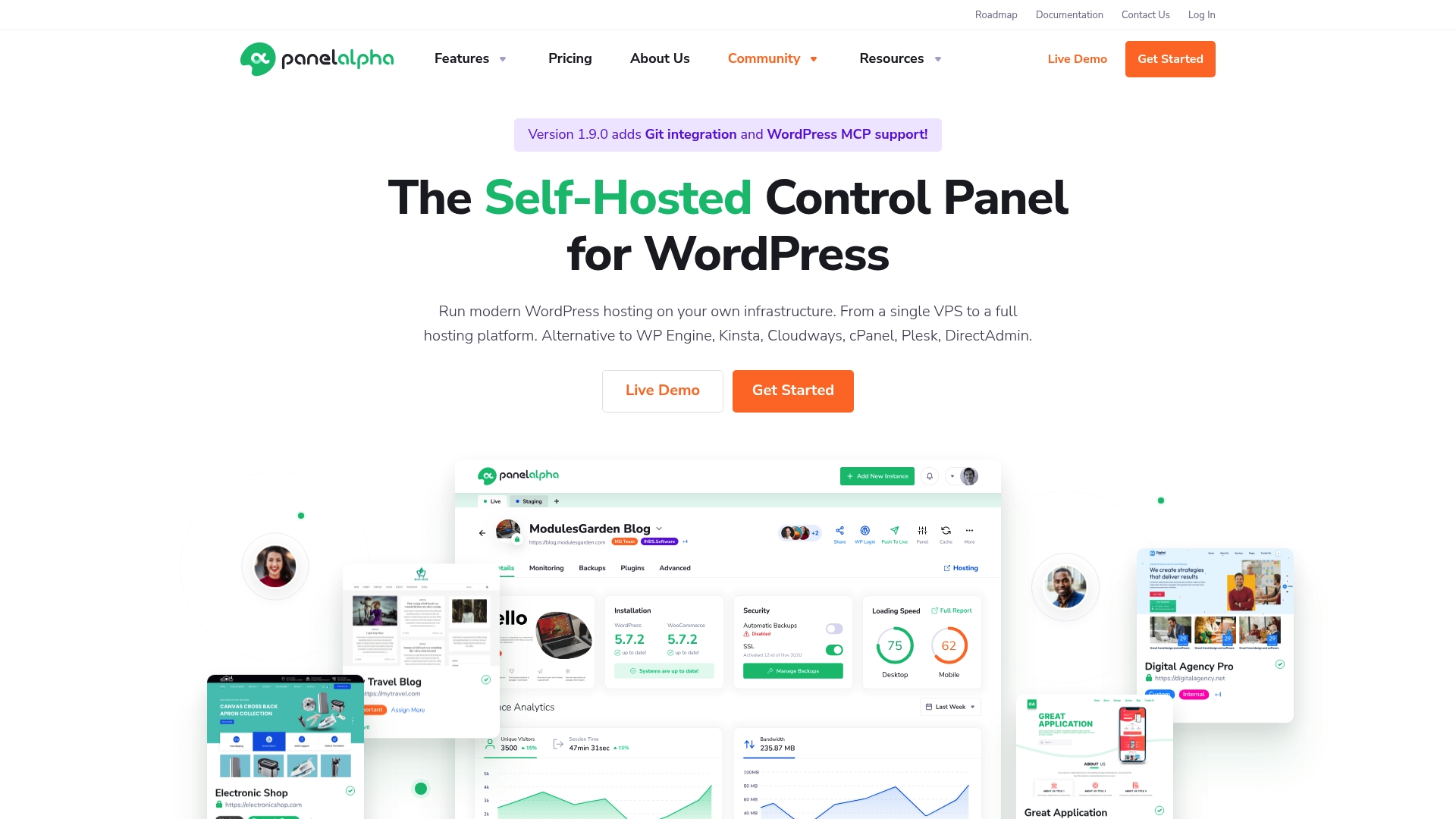
PanelAlpha runs as a self-hosted, Docker-powered control panel that connects directly to cPanel, Plesk, DirectAdmin, WHMCS, and WP Cloud. The platform packages site onboarding, client panels, and a developer toolkit into one control plane for WordPress hosting. Pricing starts at $29/month for up to 20 sites, which positions it for small to mid-sized hosting operations.
Core Features
PanelAlpha centralizes WordPress instance management with tools for backups, theme and plugin handling, and automated updates. The product includes an onboarding workflow and a client panel focused on customer UX, plus collaboration controls that grant shared access and privileges. A developer toolkit and a rich API allow scripting and integration with existing hosting stacks.
Key Differentiator
The defining trait is the self hosted, Docker powered architecture combined with broad control panel compatibility. That mix lets hosting providers run PanelAlpha on owned infrastructure while keeping existing cPanel or Plesk systems in place. The platform emphasizes automation and programmatic control through its API, making it suitable for operators that need integration rather than a stand alone SaaS.
Pros
PanelAlpha offers a flexible self hosted environment that adapts to VPS, dedicated, and cloud setups. It bundles backup, update, and plugin management so operations teams spend less time on routine site care. The rich API and support for control panel integrations let you automate account provisioning and billing with WHMCS. Community forums and social channels provide peer support and troubleshooting resources.
Cons
- Requires you to deploy and maintain infrastructure. That adds operational overhead compared with hosted services.
- Initial configuration can be complex and may require Linux, Docker, and hosting control panel knowledge.
- Small teams seeking a simple managed SaaS may find the setup and maintenance effort disproportionate.
When It May Not Fit
If you do not want to run and patch your own servers, PanelAlpha is a poor match. Teams without Docker familiarity will face a steep learning curve during deployment and upgrades. If you prefer an out of the box hosted control panel with provider managed infrastructure, choose a hosted alternative instead.
Notable Integrations
- cPanel
- Plesk
- DirectAdmin
- WP Cloud by Automattic
- WHMCS
Who It's For
Web hosting providers, agencies, and developers who run their own infrastructure and need programmatic control over WordPress hosting will get the most value. Resellers who require white label panels and automation hooks also benefit. Small hobby sites with minimal administration needs are not the target.
Real World Use Case
A regional hosting company deploys PanelAlpha on private servers, connects it to WHMCS for billing, and integrates with existing cPanel accounts. Operations script site provisioning through the API and use the client panel to hand simple controls to customers. This setup reduced manual provisioning and centralized update management.
Pricing
PanelAlpha starts at $29/month for up to 20 websites, with scalable plans for larger site counts and enterprise options available. The model charges by site count and offers higher tier licensing for agency and hosting provider needs.
Website: https://panelalpha.com
Comparison of alternatives
Choosing a hosting solution involves balancing diverse capabilities and specialized features across each provider. This section examines key differentiators to assist in making an informed decision.
Data residency and compliance
Internetport prioritizes Swedish data residency with GDPR-compliant S3 object storage and cost-effective transfer policies. This provides a unique advantage for businesses bound by legal mandates to localize data storage. On the other hand, providers such as DigitalOcean and Vultr focus on offering global data center availability, which suits organizations operating internationally.
High-performance computation
When considering GPU performance, DigitalOcean excels with its NVIDIA H100 and AMD MI300X GPU options optimized for AI inference and training workloads. Similarly, Vultr offers hourly GPU instance provisioning, fitting burstable computational needs. In contrast, Internetport provides server hosting but lacks specialized GPU offerings, making it ideal for use cases prioritizing steady hosting over raw computational power.
Best fit
- For companies requiring hosting or storage bound by Swedish data residency and compliance obligations, Internetport ensures superior alignment.
- If your team requires GPU-powered AI workloads, DigitalOcean excels with its cutting-edge hardware integrations.
- For those targeting flexible experimentation with hourly GPU provisioning, Vultr delivers an excellent solution.
- Customers needing a cost-efficient, open-source hosting control panel should explore CyberPanel for its strong feature set sans licensing costs.
- Businesses benefiting from API-driven, self-hosted control panels should consider PanelAlpha to streamline operations and enhance programmatic integration.
Our pick
Internetport emerges as the top pick for organizations requiring hosting services aligned with Swedish data locality while utilizing standard S3 APIs. Its GDPR-compliant infrastructure, combined with cost-effective storage and transfer policies, carves out a niche advantage. However, developers seeking in-depth GPU infrastructure or a tailored control panel experience may find alternative offerings more aligned with their specific needs and should evaluate these accordingly.
"This comparison highlights hosting and infrastructure providers emphasizing performance, scalability, and specific feature sets to meet diverse organizational needs."
| Provider | Core Feature | Best For | Pricing | Notable Limitation |
|---|---|---|---|---|
| Internetport | S3-compatible storage with free transfer | GDPR-compliant hosting and storage | Price not published | Outdated public site pages in some areas |
| DigitalOcean | AI-native cloud infrastructure | AI teams with production-scale workloads | $0.76 per GPU/hour | Limited third-party performance reviews |
| Vultr Cloud GPU | On-demand GPU provisioning | Mixed GPU workloads | $2.590 per GPU/hour | Lacks detailed GPU performance benchmarks |
| CyberPanel | Free hosting control panel | Web hosting without licensing fees | Free core platform | Advanced features require technical knowledge |
| PanelAlpha | Self-hosted Docker-powered control panel | Hosting providers needing integration tools | $29/month for 20 sites | Deployment requires server and Docker knowledge |
Challenges Choosing Softaculous.com Alternatives for Reliable Hosting
Many teams struggle finding Softaculous.com alternatives that offer easy website management without sacrificing data control. Common pain points include lack of GDPR-aligned hosting, unclear data residency, and high costs for transfer and backups. Internetport answers these concerns by providing a Swedish-hosted platform with scalable web hosting, VPS, and dedicated servers that keep data safely within Swedish borders.
Internetport delivers free data transfer, PCI DSS certified data centers, and full control over your hosting environment. This simplifies compliance and reduces unexpected fees. Visit Internetport to see how your business can get reliable infrastructure with clear pricing and expert support. Start managing your sites confidently on a platform designed for companies needing dependable, fast, and secure web hosting.
Internetport offers tailored solutions built for enterprises, e-commerce teams, and any regulated business looking beyond Softaculous.com alternatives. Check the details and get hosting designed to meet your specific operational needs.
FAQ
What features make Internetport suitable for GDPR-compliant storage?
Internetport offers S3-compatible object storage that complies with GDPR regulations while keeping data physically in Sweden. This local hosting supports data residency requirements and simplifies legal compliance for organizations. Businesses needing to ensure GDPR alignment will find Internetport a fitting choice.
How does Internetport's pricing compare to other alternatives like Vultr Cloud GPU?
Vultr Cloud GPU provides flexible on-demand GPU provisioning starting at $2.590 per GPU/hr, which may cater well to enterprises needing varied GPU types for burst jobs. Internetport, on the other hand, supports a free 10 GB entry tier alongside no transfer fees, making it ideal for those focused on cost-effective storage solutions. Choose Internetport if you need comprehensive infrastructure services primarily focused on cloud storage and colocation.
What are the advantages of Internetport for e-commerce teams?
Internetport's storage solutions include free data transfer and a free 10 GB entry tier, making it financially appealing for e-commerce teams looking to manage media files and backups. The service's local data residency ensures that customer data remains within Sweden, minimizing compliance risks. This combination helps e-commerce teams manage costs effectively.
Can I use Internetport for both cloud hosting and colocation needs?
Yes, Internetport offers a full stack of services that includes cloud hosting, VPS hosting, and colocation, which simplifies vendor management for infrastructure teams. Its extensive offerings make Internetport a suitable choice for organizations looking to consolidate their hosting and storage services within one provider.
What differentiates Internetport's support from that of others like CyberPanel?
Internetport focuses on comprehensive support across multiple services, including dedicated servers and object storage, while CyberPanel emphasizes a free control panel for OpenLiteSpeed hosting. For teams that need a holistic vendor experience covering all infrastructure needs, Internetport stands out as the more unified option.