

Shared hosting feels like a bargain until your site crawls during a traffic spike, a neighbor's script hogs the CPU, and your IT manager has zero control over the server environment. For growing businesses, that moment of frustration is usually the turning point. VPS hosting sits at the intersection of affordability and real server control, giving small and medium-sized businesses the performance, security, and flexibility they need without the price tag of a dedicated server. This article breaks down exactly what VPS hosting is, how it works, how it compares to every other option, and when it makes sense to make the switch.
Table of Contents
- What is VPS hosting?
- How does VPS hosting work?
- VPS hosting vs shared, dedicated, and cloud: A comparison
- When should businesses upgrade to VPS hosting?
- Potential drawbacks and expert tips for choosing a VPS provider
- Explore scalable VPS hosting solutions for your business
- Frequently asked questions
Key Takeaways
| Point | Details |
|---|---|
| Virtualization benefits | VPS hosting provides isolated environments and root access, offering greater control and security. |
| Cost-effective scalability | Compared to dedicated hosting, VPS enables affordable scaling without sacrificing performance. |
| Ideal SMB solution | VPS serves businesses with 10k-100k monthly visitors and supports custom apps, email, and VPNs. |
| Upgrade triggers | Slowdowns, traffic spikes, and custom software needs signal it's time to consider VPS hosting. |
| Expert provider tips | Choose providers offering KVM virtualization, NVMe storage, and managed options to avoid pitfalls. |
What is VPS hosting?
VPS stands for Virtual Private Server. At its core, VPS hosting uses virtualization to carve one physical server into multiple isolated virtual machines, each with its own dedicated slice of CPU, RAM, storage, and bandwidth. Think of it like owning a condo in a building. You share the structure, but your unit is entirely yours. No one else can walk through your walls.
The technology that makes this possible is called a hypervisor. This software layer sits between the physical hardware and the virtual machines, managing resource allocation and keeping each VPS completely separate from the others. You can explore KVM virtualization, one of the most widely used hypervisor technologies, to understand how this isolation is enforced at the hardware level.
Each VPS runs its own OS, whether Linux or Windows, with full root access. That means you can install any software, configure custom firewalls, set your own security policies, and manage the environment exactly as you would a physical machine. For IT managers, this level of control is a significant operational advantage.
Here is what you get with a standard VPS setup:
- Dedicated CPU cores allocated exclusively to your instance
- Guaranteed RAM that does not fluctuate based on other users
- Isolated storage with no shared disk I/O contention
- Independent network identity including a dedicated IP address
- Full root or administrator access for complete software freedom
"A VPS gives you the control of a dedicated server at a fraction of the cost. The isolation means your performance is predictable, your data is protected, and your configuration is entirely your own."
Those VPS advantages translate directly into better uptime, faster load times, and a more secure environment for your applications and customer data.
How does VPS hosting work?
Now that you know what a VPS is, let's look at how this technology delivers real-world advantages for your business. The process starts with the physical host server. A hypervisor like KVM divides the hardware into virtual disks and isolated OS environments, each running independently as if it were a separate machine.
Here is the step-by-step breakdown of how a VPS environment operates:
- Physical server provisioned: A high-performance host machine with NVMe SSDs and multi-core processors is set up in a data center.
- Hypervisor installed: Software like KVM creates a virtualization layer that manages resource partitioning.
- Virtual machines created: Each VPS is assigned a fixed share of CPU, RAM, and storage.
- OS deployed: You choose your operating system, and the VPS boots as an independent machine.
- Access granted: You receive root or admin credentials and can configure the environment from scratch.
You also have a choice between managed and unmanaged VPS. Unmanaged VPS gives your IT team full control, including responsibility for patching, security, and optimization. Managed VPS means the provider handles those tasks, which is ideal for businesses without dedicated sysadmins. You can also look at LXC containers as a lightweight alternative for specific workloads that do not require full OS virtualization.

One of the biggest operational benefits is vertical scalability. When your resource needs grow, you can add CPU cores, RAM, or storage to your existing VPS without migrating to a new server or taking your site offline.
Pro Tip: If your team manages multiple client environments or runs several applications, start with an unmanaged VPS for maximum control. If you are a lean team focused on growth rather than server maintenance, managed VPS saves significant time and reduces risk.
VPS hosting vs shared, dedicated, and cloud: A comparison
Having explained how VPS works, let's see how it stacks up against other mainstream hosting choices so you can make an informed decision. The differences are not just technical. They affect your budget, your scalability, and how much control your IT team actually has.
| Feature | Shared hosting | VPS hosting | Dedicated server | Cloud hosting |
|---|---|---|---|---|
| Monthly cost | $3 to $10 | $5 to $50 | $80 to $500+ | Variable |
| Performance (TTFB) | 200ms to 4s | 100 to 300ms | Under 100ms | Variable |
| Resource allocation | Shared | Dedicated | Dedicated | Elastic |
| Root access | No | Yes | Yes | Yes |
| Scalability | Limited | Vertical | Limited | Horizontal |
| Security isolation | Low | High | High | Medium |
| Best for | Startups, blogs | SMBs, growing apps | High-traffic, enterprise | Unpredictable spikes |
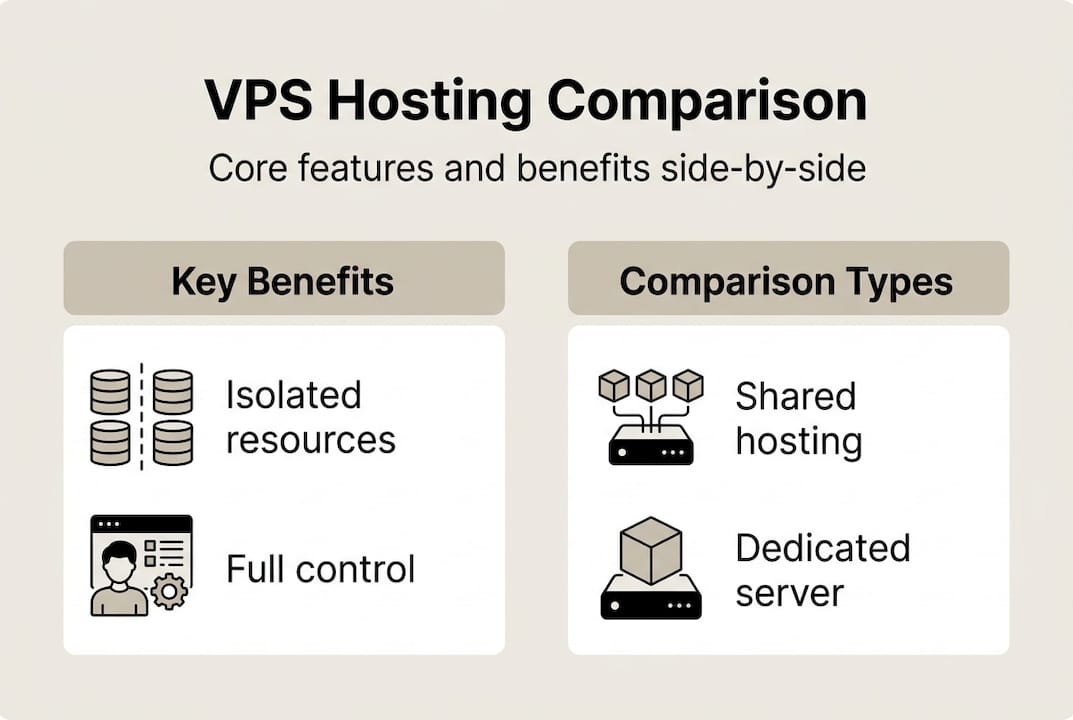
The cost and performance data above shows a clear pattern. Shared hosting is cheap but unpredictable. Dedicated servers are powerful but expensive. Cloud hosting handles sudden traffic surges well but costs can spiral. VPS sits in the middle, offering consistent isolated performance that suits businesses handling 10,000 to 100,000 monthly visitors.
For SMBs and IT managers, the decision usually comes down to these factors:
- Budget ceiling: VPS delivers near-dedicated performance at a fraction of the cost
- Traffic predictability: If your traffic is relatively stable, VPS fixed allocation beats cloud variable billing
- Control requirements: VPS and dedicated both offer root access; shared does not
- Growth trajectory: VPS scales vertically as you grow; you can explore low-cost KVM VPS plans to start lean and upgrade as needed
Cloud hosting makes more sense when traffic is genuinely unpredictable, such as seasonal e-commerce spikes. Dedicated servers are the right call when you need maximum raw performance and full hardware control. For most growing SMBs, VPS resource allocation hits the sweet spot. You can also read more about how VPS works to dig deeper into the technical architecture before committing.
When should businesses upgrade to VPS hosting?
Once you see how VPS compares, the next step is knowing when your business reaches the tipping point for an upgrade. The signals are usually clear, but many teams wait too long and absorb unnecessary performance penalties in the meantime.
| Trigger | Shared hosting limit | VPS threshold |
|---|---|---|
| Monthly visitors | Up to 10,000 | 10,000 to 100,000+ |
| Application type | Static sites, basic CMS | Custom apps, APIs, e-commerce |
| Email infrastructure | Basic mailboxes | Dedicated mail server |
| Security requirements | Standard SSL | Custom firewalls, compliance |
| Resource usage | Shared CPU/RAM | Guaranteed CPU/RAM |
VPS is recommended for sites with 10,000 to 100,000 monthly visitors, as well as businesses running email servers, VPNs, or gaming infrastructure. The ability to scale without downtime is a key operational advantage that shared hosting simply cannot match.
Here is a practical checklist for transitioning from shared or cloud hosting to VPS:
- Audit your current resource usage: Check CPU, RAM, and bandwidth consumption over the past 90 days.
- Identify performance bottlenecks: Slow load times, frequent timeouts, or error spikes are red flags.
- Define your software requirements: List any custom software, databases, or configurations you need root access to manage.
- Choose managed or unmanaged: Match the option to your team's technical capacity.
- Select your OS and control panel: Linux with Plesk or cPanel covers most SMB use cases.
- Migrate during low-traffic hours: Schedule the cutover to minimize user impact.
- Test thoroughly before DNS switch: Validate all applications, forms, and integrations on the new VPS.
Pro Tip: If your team lacks dedicated server management experience, start with a managed VPS. You get the performance and VPS scalability benefits without the operational overhead of handling security patches and system updates yourself.
Potential drawbacks and expert tips for choosing a VPS provider
Before you make the leap, let's review some risks and crucial tips to maximize benefit and avoid costly mistakes. VPS hosting is not without its vulnerabilities, and choosing the wrong provider can negate most of the benefits.
Here are the most common pitfalls to watch for:
- Physical host failures: If the underlying server goes down, all VPS instances on that host are affected simultaneously. Redundant infrastructure and daily backups are non-negotiable.
- Noisy neighbors: Oversold providers pack too many VPS instances onto a single host, causing resource contention even with "guaranteed" allocations. This is the shared hosting problem in disguise.
- Sysadmin skill gap: Unmanaged VPS requires real Linux or Windows Server expertise. Misconfigured firewalls and unpatched software are leading causes of VPS security incidents.
- Storage speed matters more than you think: Spinning disk VPS plans still exist. NVMe storage is essential for consistent I/O performance, especially for database-heavy applications.
"Not all VPS plans are equal. A provider overselling resources on aging hardware with shared storage will deliver worse performance than a well-configured shared host. Price does not equal performance. Always test before you commit."
When evaluating providers, KVM isolation is a strong indicator of quality. KVM enforces hardware-level separation between instances, which means a compromised neighbor cannot bleed into your environment. Providers that use older container-based virtualization without proper isolation offer weaker security guarantees.
For budget-conscious teams, affordable KVM VPS options exist that do not sacrifice isolation or performance. The key is verifying that the provider uses NVMe storage, maintains redundant network paths, and offers SLA-backed uptime guarantees. Ask about their data center certifications, backup frequency, and support response times before signing up.
Explore scalable VPS hosting solutions for your business
Having weighed your options and learned what sets VPS apart, the next step is finding a provider that actually delivers on those promises. Internetport has been building reliable hosting infrastructure since 2008, and our approach is built around the exact needs of SMBs and IT managers who cannot afford downtime or unpredictable performance.

Our VPS hosting plans include both managed and unmanaged options, KVM-based isolation, NVMe SSD storage, free SSL certificates, daily backups, and Plesk control panel access. As your business grows, you can move seamlessly to dedicated server solutions for maximum performance, or explore our webhosting options for simpler workloads. Everything runs out of our two PCI DSS-certified data centers with redundant connectivity. Talk to our team and find the plan that fits where your business is headed.
Frequently asked questions
What makes VPS hosting more secure than shared hosting?
VPS hosting provides isolated environments and custom firewalls, which prevent other users on the same physical server from accessing your data or affecting your security posture. Shared hosting offers no such separation.
Can you upgrade VPS resources without downtime?
Most VPS providers allow vertical scaling of CPU, RAM, and storage with minimal or no downtime, making it practical to grow your resources as traffic and application demands increase.
Is managed VPS better for SMBs with limited IT expertise?
Managed VPS reduces the expertise barrier significantly, with the provider handling security patching, updates, and performance optimization so your team can focus on running the business.
What happens if the physical server hosting my VPS fails?
A physical host failure can affect all VPS instances on that machine simultaneously. Reputable providers mitigate this with hardware redundancy, automatic failover systems, and regular off-site backups.