

TL;DR:
- Choosing the right hosting plan is crucial for business growth, ensuring uptime, security, and compliance.
- From shared hosting for small sites to dedicated servers for regulated industries, infrastructure must match traffic and needs.
Business hosting needs are defined by a company's size, traffic volume, compliance requirements, and growth trajectory. The wrong hosting plan costs more than money. It costs uptime, customer trust, and revenue. The industry baseline for any business-grade hosting is a 99.9% uptime SLA, which translates to roughly 8.76 hours of allowable downtime per year. Premium providers push that to 99.99% or higher, with billing credits when they fall short. Understanding the full range of examples of business hosting needs, from a five-page brochure site to a PCI DSS-compliant e-commerce platform, is the fastest way to match your budget to the right infrastructure before a crisis forces your hand.

1. Examples of business hosting needs: shared hosting for simple sites
Shared hosting is the correct starting point for small businesses with modest traffic and no transactional data. A local law firm publishing its practice areas, a freelance photographer showing a portfolio, or a new restaurant listing its menu all fit this category. These sites typically receive fewer than 10,000 monthly visitors and have no need for dedicated computing resources.
The minimum feature set for shared hosting at the business level includes:
- Free SSL/TLS certificate to activate HTTPS and protect visitor data
- Business email tied to your domain (e.g., contact@yourcompany.com)
- 99.9% uptime guarantee backed by a written SLA
- One-click CMS installs for WordPress or similar platforms
- Basic daily backups with at least a 7-day retention window
- Responsive support reachable by chat or ticket within a reasonable window
Shared hosting costs typically run $2–$15 per month. That price point reflects the trade-off: you share server CPU, RAM, and bandwidth with other accounts. A traffic spike from a neighboring site can slow yours down.
Pro Tip: Before signing a shared hosting contract, confirm that your domain registrar account is separate from your hosting account. Losing access to your registrar during a migration is one of the most common and painful failure points small businesses face.
The key limitation of shared hosting is the ceiling it puts on performance. Once your monthly visitors climb past 10,000 or you add a booking system, payment form, or member login, you need more control than shared hosting provides.
2. Growing business hosting needs: VPS for scalability and control
A virtual private server (VPS) gives your business a partitioned slice of a physical server with dedicated CPU cores, RAM, and storage. No neighboring account can eat your resources. This matters the moment your site starts handling real transactions or your team depends on it daily.
Businesses that benefit most from VPS hosting include:
- Regional e-commerce stores processing 50–500 orders per day
- Professional service firms running client portals or CRM integrations
- Marketing agencies hosting multiple client sites under one account
- SaaS startups in early growth needing isolated environments for testing and production
- Healthcare practices requiring HIPAA-aligned configurations before moving to dedicated hardware
VPS and managed hosting typically cost $20–$200 per month depending on resource allocation and management level. That range reflects a wide spectrum of options, from self-managed Linux VPS to fully managed plans with automated patching and monitoring.
Managed VPS hosting is the right call for businesses without a dedicated IT person. The provider handles OS updates, security patches, and server monitoring. Your team focuses on the business, not the infrastructure. Managed hosting reduces operational burden significantly for SMBs that lack technical staff, while delivering predictable monthly costs.
Pro Tip: When evaluating VPS plans, ask specifically about vertical scaling. The best plans let you add RAM or CPU without migrating to a new server. Downtime during a forced migration is avoidable and should not be part of your growth plan.
Internetport's VPS hosting plans are built for exactly this growth stage, with isolated resources, flexible configurations, and the option to scale without service interruption.
3. Advanced hosting needs: dedicated servers for high-traffic and regulated businesses
Dedicated server hosting means your business occupies an entire physical machine. No shared resources, no noisy neighbors, no virtualization overhead. This is the standard for businesses in finance, healthcare, large-scale e-commerce, and any sector where data residency and compliance are non-negotiable.
The table below shows how hosting requirements shift as business complexity increases.
| Business Type | Hosting Tier | Key Requirement |
|---|---|---|
| Local brochure site | Shared | SSL, email, basic uptime |
| Growing e-commerce | VPS | Isolated resources, daily backups |
| Healthcare provider | Dedicated | HIPAA alignment, physical isolation |
| Financial services firm | Dedicated | SOC 2, PCI DSS, 99.99% SLA |
| High-traffic media platform | Dedicated or cloud | Redundancy, edge delivery |
Regulated industries require dedicated hosting to meet compliance mandates like HIPAA and SOC 2. Shared or standard VPS environments cannot satisfy these frameworks because they lack physical hardware isolation and the audit trail required by regulators.
"Treating hosting as a commodity is the most expensive mistake a business can make. The moment your site goes down during a product launch or a payment page fails an audit, the cost of 'saving money' on hosting becomes very clear. Dedicated infrastructure is not a luxury for regulated businesses. It is the minimum viable foundation."
Premium uptime SLAs at the dedicated level reach 99.99% or higher, with billing credits applied automatically when the provider misses the target. That level of accountability matters when your revenue depends on continuous availability. Internetport's dedicated server options include Dell PowerEdge and AMD Series configurations, giving businesses direct control over hardware performance and security posture.
The trade-off with dedicated hosting is cost and complexity. Dedicated and enterprise hosting starts at $100–$500+ per month. That investment is justified when downtime or a data breach carries legal, financial, or reputational consequences.
4. Cloud hosting needs for companies with unpredictable traffic
Cloud hosting distributes your workload across multiple servers in real time. If one server fails, another picks up the load automatically. This architecture is built for businesses that cannot predict when their traffic will spike.
Cloud hosting provides failover across multiple servers and elastic scaling, making it the right fit for high-growth or traffic-variable businesses. That means a flash sale, a viral social post, or a seasonal rush does not take your site offline.
Business scenarios where cloud hosting fits best:
- E-commerce retailers running seasonal promotions with 10x normal traffic spikes
- SaaS platforms serving users across multiple time zones with uptime commitments in their own contracts
- Media and publishing sites delivering video or high-resolution images to large audiences
- Remote-first companies needing consistent performance for distributed teams across regions
- Event-driven businesses like ticketing platforms where demand is unpredictable and concentrated
The pay-as-you-go pricing model of cloud hosting means you are not paying for peak capacity year-round. You pay for what you use. That model suits businesses with variable workloads far better than a fixed dedicated server that sits underutilized most of the year.
SaaS startups and e-commerce sites have fundamentally different hosting needs, such as latency reduction for SaaS or transaction security for retail. Cloud hosting addresses both by allowing geographic distribution of resources and application-level configuration. For a deeper look at how these hosting types compare, Internetport's guide on types of web hosting breaks down the best-fit scenarios clearly.
5. What do businesses need for hosting beyond server specs?
Server specs get most of the attention, but the features that protect your business day to day are often buried in the fine print. These are the requirements that separate a business-grade hosting plan from a consumer-grade one.
Daily backups with tested restoration
Backup success depends on tested restoration procedures. A backup that has never been restored is not a backup. It is a false sense of security. Your hosting plan must include off-server daily backups, and your team must verify restoration at least quarterly.
Business email with proper authentication
Business email requires SPF, DKIM, and DMARC authentication to protect your sending reputation. Without these records, your emails land in spam folders or get rejected entirely. This is not optional for any company that relies on email for client communication, invoicing, or support.
Web application firewall and active SSL
Core business-grade hosting features include active SSL/TLS encryption, web application firewalls, and daily off-server backups. A web application firewall (WAF) blocks common attack patterns like SQL injection and cross-site scripting before they reach your application. SSL is table stakes. Any site without it loses search ranking and visitor trust immediately.
Fast human support
Support responsiveness under 10 minutes is a rising expectation for SMB hosting. When your site goes down at 2:00 AM on a Friday before a major campaign launch, an automated ticket system is not enough. You need a real person who can act.
Pro Tip: Test your hosting provider's support before you commit. Send a pre-sales question at an odd hour and measure the response time. The answer tells you exactly what to expect when something breaks.
You can also review how SLA terms translate into real accountability, including what happens when a provider misses its uptime commitment.
DNS control and domain ownership
DNS control is a common failure point during hosting migrations. If your domain registrar account is tied to an old provider or a former employee's email, reclaiming it can take days. Keep your registrar account credentials separate, documented, and accessible to at least two people in your organization.
For businesses comparing entry-level options before committing to a plan, Dasabo's hosting overview provides a useful reference for understanding cost structures across shared, VPS, and dedicated tiers.
Key Takeaways
Choosing the right hosting type for your business stage prevents performance failures, compliance gaps, and costly emergency migrations.
| Point | Details |
|---|---|
| Match hosting to growth stage | Shared hosting fits simple sites; VPS and dedicated serve growing and regulated businesses. |
| Uptime SLA is the baseline | A 99.9% SLA is the industry minimum; regulated businesses should demand 99.99% or higher. |
| Backups must be tested | Off-server daily backups only protect you if restoration has been verified and practiced. |
| Email authentication is non-negotiable | SPF, DKIM, and DMARC records protect your sending reputation and keep emails out of spam. |
| Support speed matters | Real human support under 10 minutes is the standard for business-grade hosting plans. |
Why I stopped treating hosting as a line item
Peter here. After years of advising SMBs on their IT infrastructure, the pattern I see most often is this: a business owner picks the cheapest hosting plan available, things work fine for 18 months, and then something breaks at the worst possible moment. A database crashes the night before a product launch. An SSL certificate expires and Google flags the site. A shared hosting neighbor gets hacked and the IP address lands on a spam blacklist, taking the business email down with it.
Hosting is a strategic foundation protecting trust and revenue, not just server space. The businesses I have seen handle growth well are the ones that invested one tier above what they thought they needed. They moved to VPS before traffic forced them to. They added managed services before their team burned out on server maintenance.
The hidden costs people miss are almost always in email and backups. A hosting plan that caps your mailboxes at five accounts or stores backups on the same server they are backing up is not a business-grade plan. It is a liability dressed up as a bargain.
My honest advice: treat your hosting decision the way you treat your business insurance. You do not buy the minimum coverage and hope nothing goes wrong. You buy what protects the revenue you have built. Choosing hosting based on growth stage prevents the bottlenecks and migration crises that cost far more than the upgrade would have.
— Peter
Internetport's hosting portfolio for every business stage
Internetport offers a full range of hosting solutions built for SMBs at every growth stage, from entry-level web hosting plans with free SSL and business email to fully managed VPS and bare-metal dedicated servers with 99.9%+ uptime SLAs.
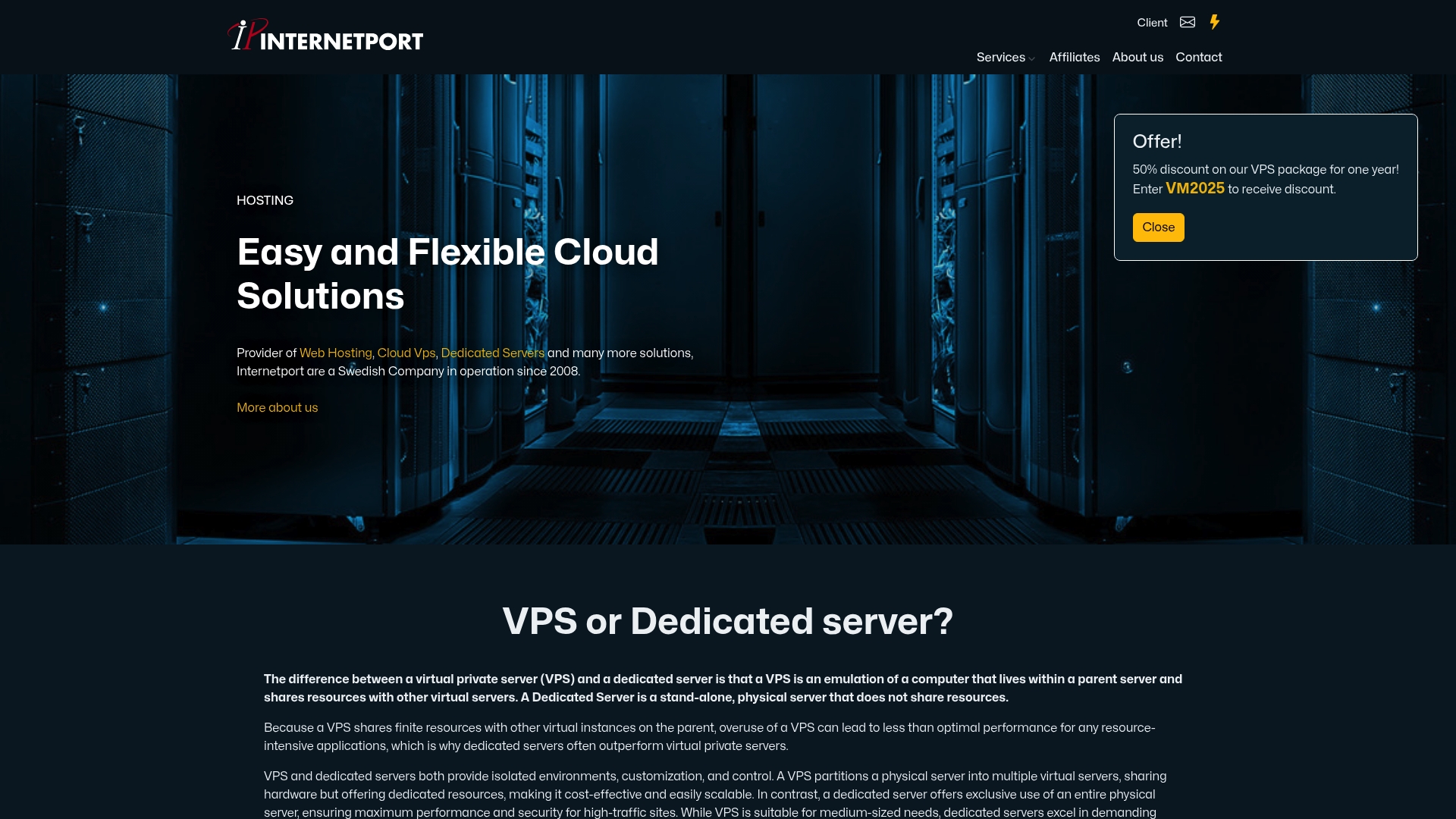
Every plan includes daily backups, active SSL certificates, and access to expert support. As your business grows, upgrading from shared to VPS or from VPS to a dedicated server happens without service interruption. Internetport's data centers in Sweden and internationally meet PCI DSS compliance standards, making them a fit for businesses in finance, healthcare, and regulated e-commerce. Contact Internetport directly to get a hosting recommendation matched to your current traffic, compliance requirements, and growth plan.
FAQ
What is the minimum uptime SLA for business hosting?
The industry minimum for business-grade hosting is a 99.9% uptime SLA, which allows roughly 8.76 hours of downtime per year. Regulated businesses and high-traffic sites should require 99.99% or higher.
When should a business move from shared to VPS hosting?
A business should move to VPS hosting when monthly traffic exceeds 10,000 visitors, when the site handles transactions or logins, or when performance on shared hosting becomes inconsistent. VPS provides isolated resources that shared plans cannot guarantee.
What hosting type do regulated industries require?
Regulated industries like healthcare and financial services require dedicated server hosting to meet compliance frameworks such as HIPAA and SOC 2. Shared and standard VPS environments cannot provide the physical hardware isolation these mandates require.
What email authentication records does business hosting need?
Business email hosting must include SPF, DKIM, and DMARC DNS records. These authentication standards protect your domain's sending reputation and prevent your emails from being flagged as spam or rejected by recipient mail servers.
How does cloud hosting differ from dedicated hosting for SMBs?
Cloud hosting distributes workloads across multiple servers with elastic scaling and pay-as-you-go pricing, making it ideal for variable or unpredictable traffic. Dedicated hosting gives a business exclusive use of a single physical server, which is better suited for consistent high-load workloads and strict compliance requirements.