

Unplanned downtime costs SMBs an average of thousands of dollars per hour, yet most outages trace back to preventable gaps in server management. If your team is patching reactively, skipping audits, or running hardware without a clear baseline, you are not alone. Many IT managers at small to medium-sized businesses face the same cycle of firefighting instead of building stable, secure infrastructure. This guide walks you through a complete, sequential process for dedicated server management, from initial assessment through performance verification, so you can stop reacting and start operating with confidence.
Table of Contents
- Assessing your dedicated server requirements
- Preparing your server environment for management
- Implementing a dedicated server management process
- Troubleshooting common server management issues
- Verifying server performance and management success
- Enhance your server management with professional solutions
- Frequently asked questions
Key Takeaways
| Point | Details |
|---|---|
| Solid assessment | Careful evaluation of server needs and prerequisites is key to avoiding future management failures. |
| Stepwise management | A consistent step-by-step routine maintains security, uptime, and performance for your dedicated servers. |
| Proactive troubleshooting | Addressing common problems early minimizes downtime and ensures ongoing reliability. |
| Verified results | Regular performance checks and audits confirm your management process is working. |
| Professional support | Leveraging expert hosting solutions streamlines operations and lets IT teams focus on strategic goals. |
Assessing your dedicated server requirements
Before you touch a configuration file, you need a clear picture of what your server must do. Proper upfront assessment prevents the most common pitfalls in server management, including over-provisioning, under-speccing, and security gaps that appear only after deployment.
Start with a hardware and software checklist:
- CPU cores and clock speed: Match workload type. Database-heavy apps need more cores; single-threaded tasks need higher clock speeds.
- RAM: Plan for peak load, not average load. Add 20% headroom.
- Storage type and capacity: SSD for speed, NVMe for latency-sensitive workloads.
- Network bandwidth: Estimate peak concurrent users and data transfer volumes.
- Operating system: Choose based on your application stack and your team's expertise.
- Licensing requirements: Account for OS, control panel, and any proprietary software.
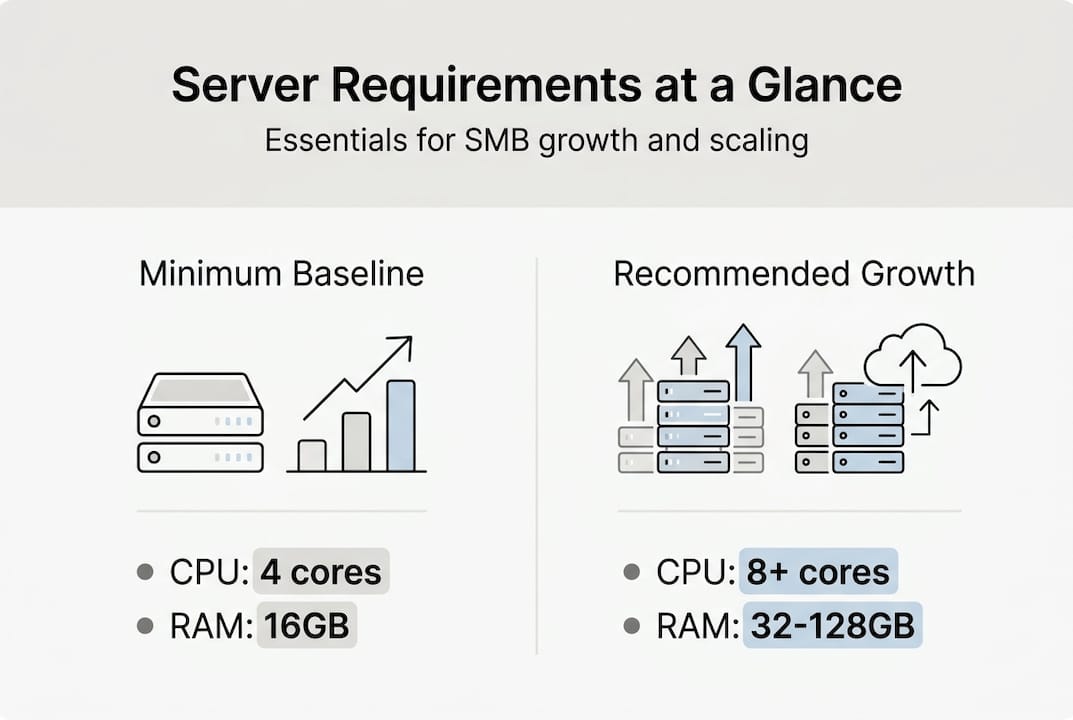
Scalability is a real concern for SMBs. You may not need 128GB of RAM today, but your architecture should allow for it. Reviewing dedicated server features early helps you understand what upgrade paths are available without a full hardware swap. If your workloads are CPU-intensive, exploring Dell PowerEdge options gives you a concrete sense of what enterprise-grade hardware looks like at a manageable price point.
| Requirement | Minimum baseline | Recommended for growth |
|---|---|---|
| CPU | 4 cores / 2.5GHz | 8+ cores / 3.0GHz |
| RAM | 16GB | 32GB or more |
| Storage | 500GB SSD | 1TB NVMe |
| Bandwidth | 100Mbps | 1Gbps unmetered |
| Backup storage | 1x primary | 2x primary (offsite) |
Pro Tip: Do not size your server for today's traffic. Pull your peak usage data from the last 12 months and add 30% to account for growth. Buying slightly more capacity now is far cheaper than emergency upgrades during a traffic spike.
Preparing your server environment for management
With requirements defined, the next phase is setting up an environment that supports smooth server management. Environment preparation significantly reduces future errors and vulnerabilities, especially when teams skip this phase under deadline pressure.
Follow these steps in order:
- Install the OS from a verified image. Use checksums to confirm integrity before installation.
- Apply all available patches immediately. A fresh OS install is not a secure OS install.
- Configure network interfaces. Assign static IPs, set up firewall rules, and disable unused ports.
- Create user roles with least-privilege access. No one should have root access by default.
- Install a monitoring agent. Tools like Zabbix or Prometheus give you visibility from day one.
- Set up log aggregation. Centralized logs make troubleshooting dramatically faster.
- Document everything. Network diagrams, credentials vault, and change logs belong in your runbook.
For teams evaluating hardware, AMD server setup guides walk through platform-specific configuration steps that save time. If you are also working through a broader hosting selection process, aligning your environment prep with your hosting strategy prevents rework later.
| Setup task | DIY complexity | Risk if skipped |
|---|---|---|
| OS patching | Low | Critical vulnerabilities |
| Firewall configuration | Medium | Unauthorized access |
| User role setup | Medium | Privilege escalation |
| Monitoring installation | Medium | Blind spots in performance |
| Log aggregation | High | Slow incident response |
Pro Tip: Set up a dedicated service account for each application running on the server. When something breaks, you will know exactly which service caused it, instead of hunting through shared root logs.
Implementing a dedicated server management process
After environment preparation, managing the server systematically keeps it secure and performant. Routine updates, patch management, and backups safeguard against data loss and security breaches, and the key is making these tasks scheduled, not optional.
Structure your management tasks by frequency:
- Daily: Check monitoring dashboards for anomalies. Review disk usage, CPU load, and memory consumption. Confirm backup jobs completed successfully.
- Weekly: Apply non-critical patches. Review firewall logs for unusual traffic. Test backup restoration on a non-production volume.
- Monthly: Run a full security audit. Review user accounts and revoke stale access. Benchmark performance against your baseline.
- Quarterly: Conduct a capacity review. Update your disaster recovery plan. Review vendor support contracts.
"The difference between a managed server and an unmanaged one is not the hardware. It is the discipline of the team maintaining it."
For teams running physical hardware off-site, colocation server strategies add another layer of complexity, particularly around remote access and hardware replacement SLAs. Pairing colocation with solid PowerEdge management tips helps standardize your process across locations.

Pro Tip: Schedule patches during a defined maintenance window, not ad hoc. Communicate the window to stakeholders in advance. Patches applied at 2 AM on a Tuesday cause far fewer complaints than patches applied during business hours with no warning.
Troubleshooting common server management issues
Even with solid management, issues can arise. Troubleshooting expertise can save hours and prevent downtime. Proactive troubleshooting prevents small problems from becoming major outages, and the difference is usually how fast you can isolate the root cause.
The most common issues SMB IT teams encounter:
- Hardware failures: Disk errors, memory faults, and NIC failures. Monitor SMART data for disks and use IPMI or iDRAC for out-of-band hardware alerts.
- Network bottlenecks: Saturated bandwidth or misconfigured routing. Use tools like iftop or netstat to identify traffic sources.
- Patch errors: Failed updates that leave services in a broken state. Always snapshot or back up before patching.
- Security alerts: Brute-force attempts, unusual outbound traffic, or privilege escalation events. Your SIEM or log aggregator should surface these automatically.
- Resource exhaustion: CPU or RAM spikes that degrade performance. Identify the offending process with top or htop and trace it back to the application.
"Isolate before you fix. Changing multiple variables at once during an incident is how you turn a one-hour problem into a six-hour one."
For extended guidance, the dedicated server troubleshooting resources cover platform-specific scenarios. If an issue exceeds your team's scope, the IT services overview outlines escalation options and managed support paths.
Verifying server performance and management success
Once troubleshooting is under control, the final step is proving your management strategy works with clear metrics. Regular performance verification ensures continuous reliability and optimal operation, and it gives you the data to justify infrastructure investments to leadership.
Track these key performance indicators:
- Uptime percentage: Target 99.9% or higher. Anything below 99.5% signals a systemic problem.
- Average CPU utilization: Should stay below 70% under normal load. Sustained spikes above 85% indicate a capacity issue.
- Memory usage: Keep headroom above 20% at peak. Swap usage is a warning sign.
- Disk I/O latency: For SSD, under 1ms read latency is normal. Spikes above 10ms need investigation.
- Patch compliance rate: 100% of critical patches applied within 72 hours of release.
- Backup success rate: 100%. A failed backup is not a backup.
| Metric | Healthy threshold | Action required |
|---|---|---|
| Uptime | 99.9% or above | Below 99.5% |
| CPU utilization | Under 70% | Sustained above 85% |
| Memory headroom | Above 20% | Below 10% |
| Disk I/O latency | Under 1ms (SSD) | Above 10ms |
| Patch compliance | 100% within 72 hours | Any critical patch delayed |
Use performance verification methods to establish your baseline during the first 30 days of operation. After that, deviations from baseline are your early warning system. For hardware-specific benchmarks, server performance standards provide reference points for enterprise-grade configurations.
Enhance your server management with professional solutions
Building a disciplined management process takes time, tooling, and expertise that many SMB IT teams are still developing. The good news is that you do not have to do it all from scratch.

Internetport has supported SMBs and enterprises with reliable server infrastructure since 2008, operating two fully redundant data centers with PCI DSS certification and high-speed connectivity. Whether you need dedicated server packages with enterprise hardware, scalable VPS solutions for flexible workloads, or SMB web hosting that handles the infrastructure layer for you, the right solution reduces your management burden while improving reliability. Talk to the team about matching your workload requirements to the right infrastructure tier.
Frequently asked questions
What are the main steps in dedicated server management?
These steps include requirements assessment, environment setup, routine management tasks, troubleshooting, and performance verification, each building on the last to ensure reliable and secure server operation.
How often should server backups and updates be performed?
Backups should run daily at minimum, and critical updates should be applied within 72 hours of release to protect against data loss and newly disclosed vulnerabilities.
What tools can help verify server performance?
Monitoring and audit tools like Zabbix, Prometheus, and compliance scanners identify performance gaps and areas for optimization across CPU, memory, disk, and network metrics.
Which server issues are most common for SMBs?
Common issues include hardware failures, network bottlenecks, patch errors, and security alerts. Proactive issue resolution through scheduled audits and monitoring minimizes downtime and risk.
Can professional management services simplify server operations?
Yes. Professional solutions provide expert support, streamlined scalability, and enhanced reliability, reducing the operational burden on in-house IT teams significantly.