
TL;DR:
- A hosting provider supplies servers, network infrastructure, and support services to keep websites and applications online.
- They manage hardware, security, and backups, enabling businesses to maintain an online presence without owning physical equipment.
A hosting provider is a company that supplies the servers, network infrastructure, and support services needed to store websites, applications, or data and make them accessible on the internet. Without a hosting provider, your business has no online presence. The hosting service definition extends beyond simple storage: providers manage the physical hardware, maintain network connectivity, and often handle security and backups on your behalf. Companies like GoDaddy offer full-service hosting bundles that combine web hosting, domain registration, and email under one roof. Understanding what a hosting provider does is the first step toward making a sound infrastructure decision for your business.
What is a hosting provider and how does it work?
A hosting provider operates internet-connected servers that store your website files, databases, and application code. When a visitor types your domain into a browser, the request travels to those servers, which deliver the content back in milliseconds. You rent access to that infrastructure rather than buying and maintaining physical hardware yourself. This model is how website owners publish and maintain an online presence without owning a data center.

The provider handles the physical layer: power, cooling, network connectivity, and hardware replacement. You handle the content and configuration, depending on the service tier you choose. Some providers also take on software updates, security patches, and monitoring. That division of responsibility is what separates a basic hosting account from a fully managed service.
Hosting providers range from small regional companies to global platforms. Internetport, for example, operates data centers in Sweden and internationally, serving enterprises that need high availability and data residency compliance. The geographic location of a provider's data center affects latency, legal jurisdiction over your data, and disaster recovery options. Those factors matter far more to a business owner than they do to a personal blogger.
What are the different types of hosting providers?
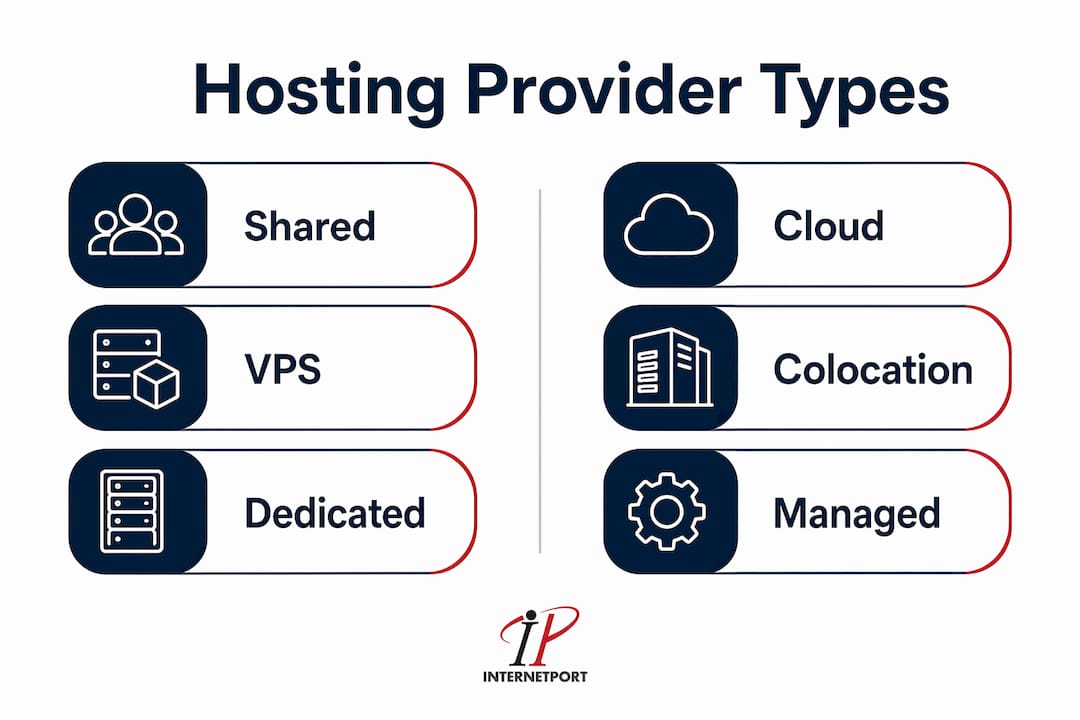
Hosting types vary significantly in cost, control, and technical complexity. The five main categories are shared hosting, VPS, dedicated servers, cloud hosting, and colocation. Each suits a different stage of business growth and a different level of internal IT capability.
Shared hosting
Shared hosting places multiple websites on a single server, splitting resources like CPU and RAM among all tenants. It is the lowest-cost option and requires no technical management. The trade-off is that a traffic spike on a neighboring site can slow yours down. Shared hosting works for small informational websites and early-stage businesses with modest traffic.
VPS hosting
A Virtual Private Server (VPS) partitions one physical server into isolated virtual machines. Each VPS gets a guaranteed allocation of CPU, RAM, and storage. VPS hosting balances isolation and affordability, making it a strong fit for growing businesses that have outgrown shared hosting but do not yet need a full dedicated machine. Internetport's VPS plans are built for exactly this stage.
Dedicated servers
A dedicated server gives your business exclusive use of an entire physical machine. You get full control over the operating system, software stack, and security configuration. Dedicated hosting requires technical skills to manage unless you choose a managed option. It is the right choice for high-traffic applications, e-commerce platforms processing sensitive payment data, or any workload where performance cannot be shared.
Cloud hosting
Cloud hosting distributes your workload across multiple servers, balancing traffic automatically and improving uptime. If one server fails, another picks up the load. This model suits businesses with unpredictable or rapidly growing traffic, since resources scale up or down without hardware changes.
Colocation
Colocation hosting means your business owns the server hardware, but the provider supplies the physical space, power, cooling, and internet connectivity. You ship your servers to their facility and manage them remotely. It is the most expensive and technically demanding option, but it gives maximum control over hardware. Internetport offers colocation services for organizations that have already invested in proprietary hardware.
Managed vs. unmanaged hosting
The managed versus unmanaged distinction cuts across all hosting types. Managed hosting means the provider handles server administration: updates, security patches, monitoring, and backups. Unmanaged hosting gives you root access and full control, but all administration falls on your team. Managed hosting costs more upfront, but the cost of internal staff managing an unmanaged server often exceeds that premium. For most small and mid-sized businesses, managed hosting is the more practical choice.
Pro Tip: If your internal IT team spends more than a few hours per week on server administration, price out a managed hosting plan. The math usually favors outsourcing.
| Hosting type | Control level | Typical cost | Best for |
|---|---|---|---|
| Shared | Low | Lowest | Small sites, low traffic |
| VPS | Medium | Moderate | Growing businesses |
| Dedicated | High | High | High-traffic, compliance needs |
| Cloud | Medium to high | Variable | Unpredictable traffic loads |
| Colocation | Full | Highest | Businesses owning hardware |
How does a hosting provider ensure reliability and security?
Reliability and security are the two operational promises every hosting provider must keep. Good hosting providers deliver uptime guarantees, security features like SSL certificates and firewalls, and regular backups. These are not optional extras. They are the baseline for any business-grade hosting service.
Uptime guarantees are typically expressed as a percentage. A provider offering 99.9% uptime allows for roughly 8.7 hours of downtime per year. A 99.99% guarantee cuts that to under an hour. The difference matters enormously for e-commerce businesses or SaaS platforms where every minute of downtime translates directly to lost revenue.
Security features at the infrastructure level include:
- SSL/TLS certificates that encrypt data in transit between your server and visitors
- Firewalls that filter malicious traffic before it reaches your application
- DDoS protection that absorbs volumetric attacks without taking your site offline
- Automated backups that create restore points so data loss from an attack or error is recoverable
- Intrusion detection systems that flag unusual access patterns in real time
Network infrastructure also determines performance. Providers with multiple data center locations can route traffic to the nearest server, reducing latency for global audiences. Content delivery networks (CDNs) extend this further by caching static assets at edge locations worldwide. Internetport holds PCI DSS compliance, which means its infrastructure meets the security standards required for processing payment card data. That certification is not common among smaller providers and carries real weight for businesses in retail or financial services.
Hosting providers handle server management, security updates, and backups so that website owners can focus on business goals rather than infrastructure maintenance. That operational role is what justifies the monthly cost of a quality provider over a budget alternative.
How to choose a hosting provider for your business
Choosing a hosting provider is a business decision, not just a technical one. Selecting appropriate hosting directly affects website performance and infrastructure cost-efficiency. The wrong choice costs you twice: once in the monthly bill and again in lost performance or security incidents.
Use this priority-ordered checklist when evaluating providers:
- Match hosting type to your traffic and workload. A shared plan cannot support a high-traffic e-commerce site. Audit your current and projected traffic before committing.
- Evaluate security and compliance requirements. If you handle payment data or personal health information, your provider must meet standards like PCI DSS or ISO 27001. Confirm this in writing before signing.
- Assess technical support quality. Test support response times before you buy. Ask a technical question by chat or phone and measure how long a useful answer takes. A provider that takes 24 hours to respond to a pre-sales question will not perform better during an outage.
- Calculate total cost, including hidden fees. Introductory pricing often doubles at renewal. Add up domain registration, SSL certificates, backup storage, and migration fees to get the real annual cost.
- Check scalability options. Your business will grow. Confirm that upgrading from shared to VPS, or VPS to dedicated, is possible within the same provider without a full migration.
- Review contract terms and SLAs. Month-to-month contracts give you flexibility. Annual contracts often offer discounts but lock you in. Read the service level agreement (SLA) to understand what compensation you receive if the provider misses its uptime guarantee.
- Confirm data center location. For businesses operating in the European Union, data residency rules under GDPR require that personal data stays within approved jurisdictions. A provider with data centers in Sweden, like Internetport, satisfies EU data residency requirements by default.
Pro Tip: Ask every shortlisted provider for a reference from a client in your industry. A hosting company that serves e-commerce businesses well may not have the right infrastructure for a healthcare application.
For a deeper look at how hosting choices affect technology team management, the guide on enterprise hosting benefits covers the IT leadership perspective in detail.
What are the benefits of using a hosting provider?
The core benefit of using a hosting provider is that it shifts the burden of infrastructure management off your internal team. Reliable hosting frees businesses from daily server management, allowing focus on core activities and reducing security risks. That is not a minor operational convenience. For a business without a dedicated IT department, it is the difference between a secure, available website and a constant fire drill.
"The cost of internal staff managing an unmanaged server often exceeds the premium for managed services." — TechRepublic
The benefits extend well beyond basic availability:
- Reduced IT overhead. Managed hosting providers handle patching, monitoring, and hardware replacement. Your team focuses on products and customers instead of server logs.
- Improved security posture. Providers invest in enterprise-grade security tools that would be prohibitively expensive for a single business to deploy independently. Firewalls, intrusion detection, and DDoS mitigation come included.
- Disaster recovery. Automated backups and geographically distributed infrastructure mean a hardware failure or ransomware attack does not end your business. Recovery time drops from days to hours.
- Performance at scale. Cloud and dedicated hosting options handle traffic spikes without manual intervention. A product launch or media mention that drives sudden traffic does not take your site offline.
- Predictable costs. A monthly hosting fee replaces unpredictable capital expenditure on hardware, power, and cooling. Budgeting becomes straightforward.
Businesses with limited internal IT staff benefit most from managed hosting services, where the provider takes on the full administrative layer. The managed model also reduces the risk of misconfiguration, which is one of the leading causes of security breaches in business web infrastructure.
Key Takeaways
A hosting provider is the operational foundation of any business's online presence, and choosing the wrong one creates compounding costs in performance, security, and staff time.
| Point | Details |
|---|---|
| Core definition | A hosting provider supplies servers, network access, and support to keep websites and applications online. |
| Five hosting types | Shared, VPS, dedicated, cloud, and colocation each suit different business sizes and technical needs. |
| Managed vs. unmanaged | Managed hosting costs more monthly but eliminates the need for internal server administration staff. |
| Selection priority | Match hosting type to workload first, then verify security compliance, support quality, and contract terms. |
| Business benefit | Outsourcing hosting reduces IT overhead, improves security, and enables faster disaster recovery. |
What I have learned from watching businesses choose hosting providers
Most business owners treat hosting as a commodity purchase. They sort by price, pick the cheapest plan that sounds adequate, and move on. That approach works until it does not, and when it fails, it fails expensively.
The pattern I see most often is a business that starts on shared hosting, grows past it, and then faces an emergency migration during a traffic spike or security incident. Migrating a live production site under pressure is one of the most avoidable crises in IT management. The fix is simple: choose a provider with a clear upgrade path and move to VPS or dedicated hosting before you need to, not after.
The second mistake is underweighting support quality. A provider's uptime guarantee is only as good as their response time when something breaks at 2 a.m. on a Sunday. I have seen businesses sign with providers offering impressive SLAs, only to discover that reaching a qualified engineer outside business hours requires a premium support tier they did not purchase. Read the support terms as carefully as you read the pricing page.
The third issue is ignoring data center location until it becomes a compliance problem. A business that processes EU customer data and hosts with a provider whose servers sit exclusively in the United States faces a GDPR exposure that no SLA can fix. Geography is a compliance question, not just a performance one.
My honest recommendation: treat your hosting provider selection the same way you treat hiring a key vendor. Check references, test support before you commit, and plan for the infrastructure you will need in two years, not just today.
— Peter
Internetport's hosting options for business IT infrastructure
Internetport offers web hosting, VPS, dedicated servers, and colocation from data centers in Sweden and internationally, with PCI DSS compliance built into the infrastructure.
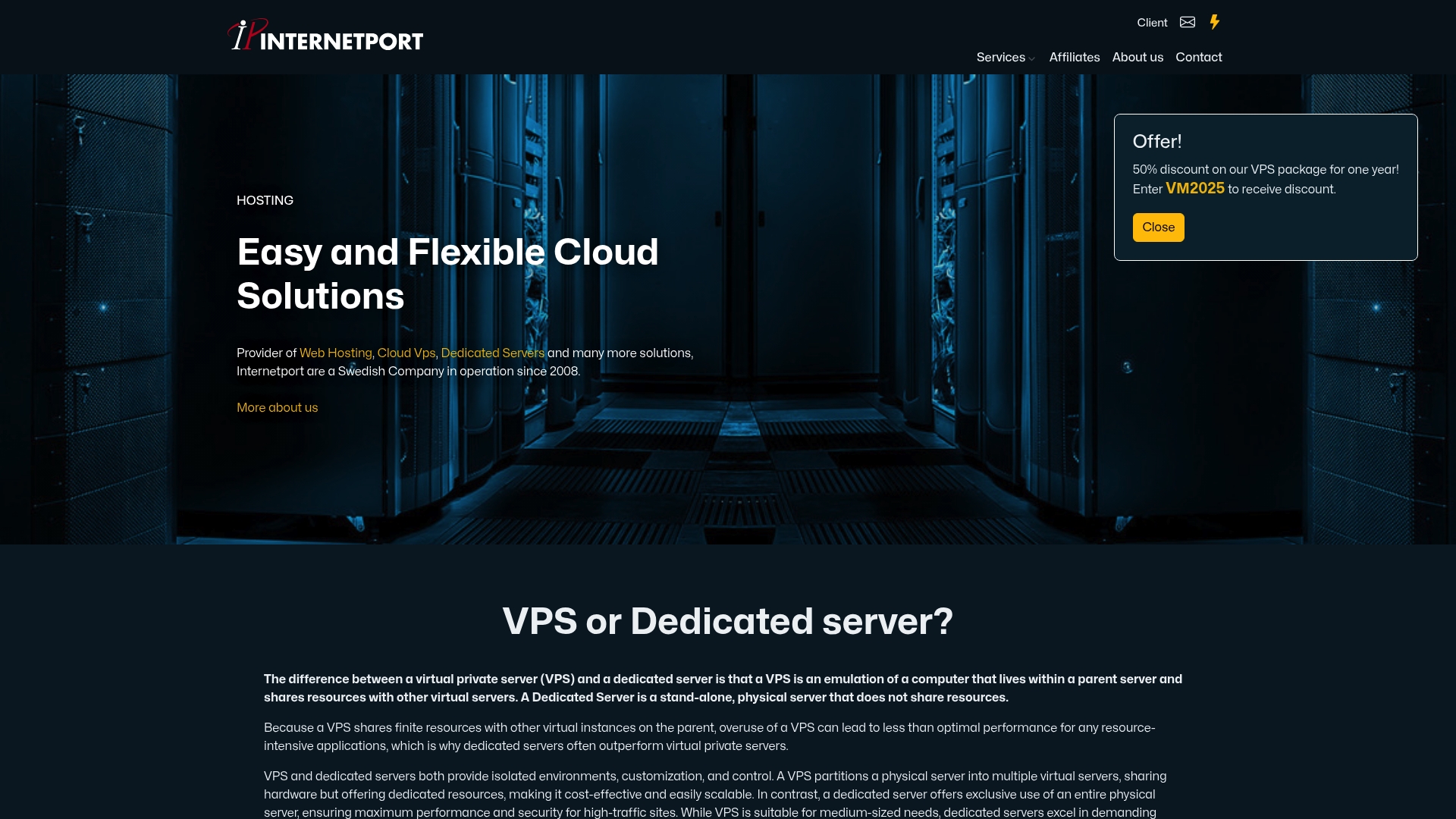
For businesses that need reliable, managed hosting without the overhead of running their own servers, Internetport's web hosting plans cover everything from entry-level shared accounts to high-performance configurations. Organizations with more demanding workloads can move to a dedicated server with full hardware control and expert support. Both options include flexible connectivity, private networking, and the security compliance that regulated industries require. If you are evaluating providers, Internetport's team provides direct technical guidance to help you match the right plan to your actual infrastructure needs.
FAQ
What is a hosting provider in simple terms?
A hosting provider is a company that rents you space on internet-connected servers so your website or application is accessible online. You pay a monthly or annual fee instead of buying and maintaining physical hardware.
What services do hosting providers offer?
Hosting providers offer server space, network connectivity, security features like SSL and firewalls, automated backups, and technical support. Many also include domain registration, email hosting, and managed administration.
What is the difference between shared and dedicated hosting?
Shared hosting places multiple websites on one server and splits resources among them, while dedicated hosting gives your business exclusive use of an entire server. Dedicated hosting costs more but delivers better performance, security, and control.
How do I choose a hosting provider for my business?
Match the hosting type to your traffic volume and compliance requirements first, then evaluate support quality, contract terms, and data center location. Selecting appropriate hosting directly affects both performance and cost-efficiency.
Is managed hosting worth the extra cost for small businesses?
For most small businesses without dedicated IT staff, managed hosting is worth the premium. The cost of internal staff managing an unmanaged server typically exceeds the price difference between managed and unmanaged plans.