
TL;DR:
- Colocation outperforms on-premises setups for uptime, security, and disaster recovery.
- It offers enterprise-grade infrastructure while retaining hardware control and better resilience.
- Organizations should carefully evaluate costs, risks, and ongoing management when adopting colocation.
Most IT managers assume that keeping servers in-house means keeping control. That assumption is costing organizations more than they realize. In practice, colocation outperforms typical on-premises setups for uptime, physical security, and disaster recovery. This guide breaks down exactly what colocation delivers, how it compares to cloud and on-prem alternatives, and where organizations consistently get tripped up. Whether you're managing infrastructure for a growing SMB or a multi-site enterprise, the evidence here will help you make a sharper, more confident decision.
Table of Contents
- Understanding colocation: What it is and why it matters
- Key benefits of colocation for enterprise IT
- Colocation vs. cloud and on-premises: Cost, control, and common pitfalls
- Scenarios: How organizations use colocation in practice
- Why most organizations underestimate the true value and risks of colocation
- Explore colocation and flexible infrastructure solutions
- Frequently asked questions
Key Takeaways
| Point | Details |
|---|---|
| Superior reliability | Colocation provides significantly improved uptime, power, and cooling compared to most on-premises setups. |
| Cost and control balance | Colocation helps organizations maintain infrastructure control without the unpredictability or staffing burdens of building their own data centers. |
| Hybrid-ready and scalable | Modern enterprises often blend colocation with cloud solutions for flexible, secure, and scalable IT environments. |
| Pitfalls to avoid | Success with colocation requires understanding hidden costs and tailoring deployments to organizational needs. |
Understanding colocation: What it is and why it matters
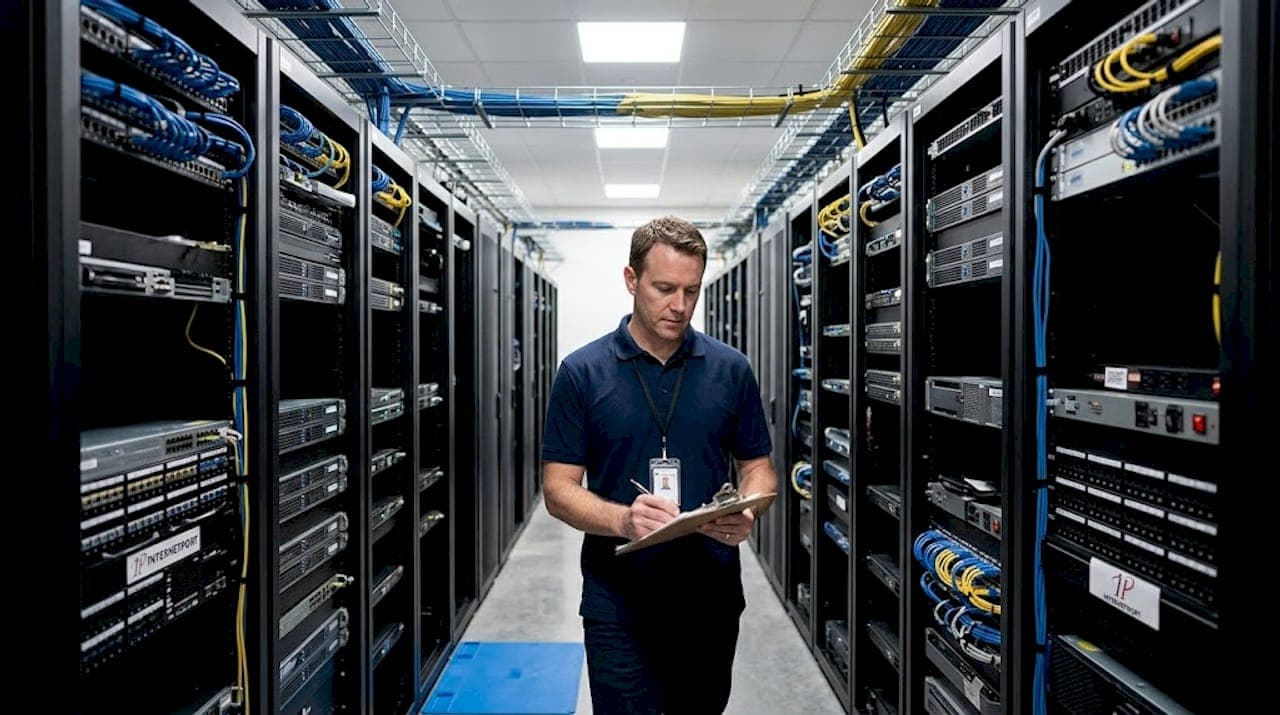
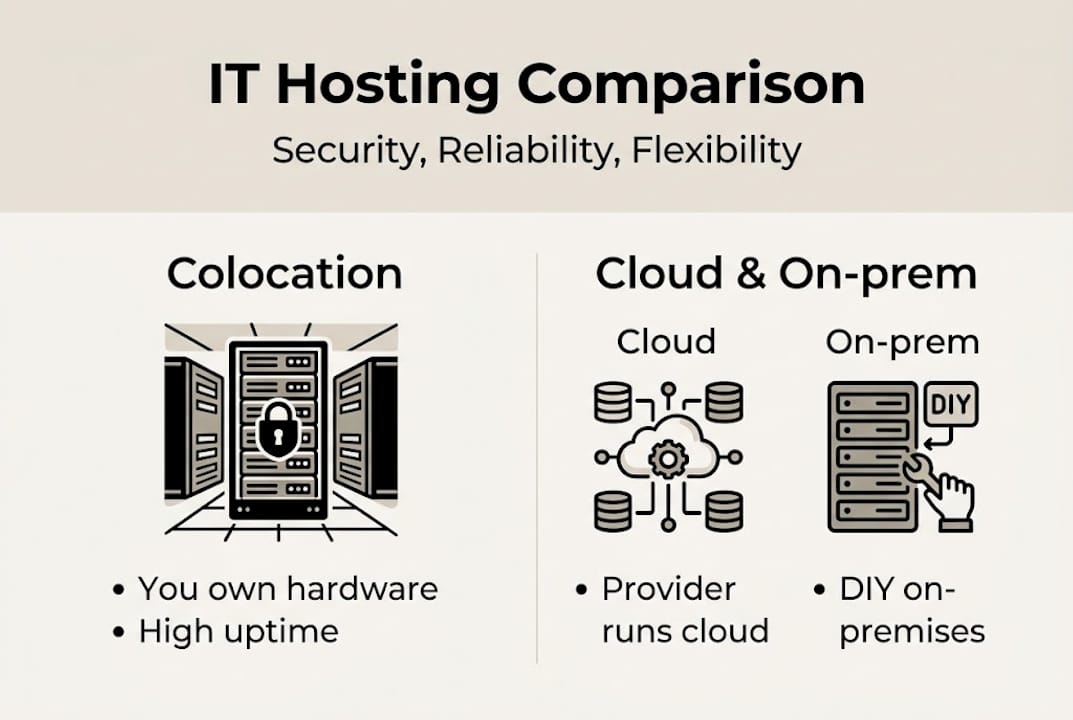
Colocation is straightforward in concept. Your organization owns the servers and network equipment. A third-party data center provides the physical space, power, cooling, and connectivity. You get enterprise-grade infrastructure without building or maintaining the facility yourself. It sits between fully on-premises hosting and a public cloud model, giving you hardware ownership with outsourced facility management.
This is fundamentally different from cloud computing, where you rent both the hardware and the software environment. With colocation, you retain full control over your stack. That distinction matters enormously for organizations with strict data sovereignty requirements, legacy applications, or workloads that simply run better on dedicated hardware.
The market is voting with its budget. The colocation market is projected to grow from roughly $104 billion in 2025 to over $204 billion in the coming years, driven by AI workloads, edge computing deployments, and tightening compliance requirements. That is not incremental growth. That is a fundamental shift in how enterprises think about infrastructure.
Understanding data center fundamentals helps explain why this shift is happening. Modern colocation facilities offer capabilities that most internal IT teams simply cannot replicate at reasonable cost.
Here is what IT leaders typically prioritize when evaluating colocation:
- Redundant power systems (N+1 or 2N configurations with UPS and generator backup)
- Precision cooling designed for high-density server deployments
- Carrier-neutral connectivity with access to multiple ISPs and low-latency peering
- Physical security including biometric access, 24/7 CCTV, and security personnel
- Compliance certifications such as ISO 27001, SOC 2, and PCI DSS
| Feature | Typical on-premises | Colocation data center |
|---|---|---|
| Power redundancy | Limited | N+1 or 2N standard |
| Cooling precision | Basic HVAC | Precision cooling |
| Connectivity options | Single ISP | Multi-carrier, carrier-neutral |
| Physical security | Basic locks/cameras | Biometric, 24/7 staffed |
| Compliance certifications | Self-attested | Third-party audited |
The strategic case is clear. You get more capability, more resilience, and often more credibility with auditors and customers, without building a dedicated facility.
Key benefits of colocation for enterprise IT
Uptime is where colocation makes its strongest argument. Colocation SLAs frequently guarantee 99.99% or higher availability, which translates to less than 53 minutes of downtime per year. Most internal server rooms cannot come close to that figure, especially when you factor in unplanned power events, cooling failures, and after-hours incidents with no on-site staff.
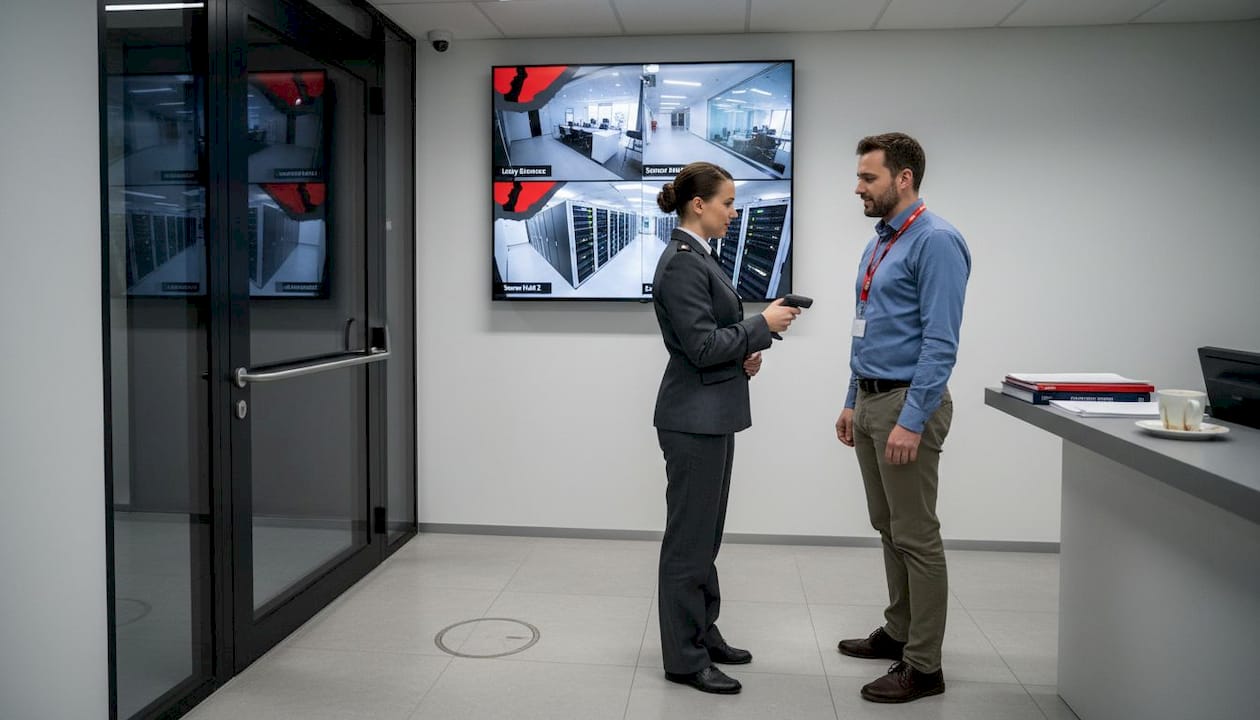
Physical security is another area where colocation creates a clear gap. Enterprise colocation facilities operate with layered access controls, including man-traps, biometric readers, and video surveillance with long-term retention. For organizations subject to HIPAA, PCI DSS, or GDPR, this level of documented, audited security is not optional. It is a compliance requirement that colocation providers have already built into their standard offering.
Disaster recovery deserves special attention. The Uptime Institute's 2025 survey confirms that while impactful outages are declining overall, geo-redundancy through colocation remains one of the most reliable strategies for business continuity. Placing equipment in a geographically separate facility means a regional power event, flood, or fire at your primary site does not take your entire operation offline.
Pro Tip: When evaluating colocation providers, ask specifically about their Tier rating (Tier III or IV is preferred for enterprise workloads) and request the last 12 months of actual uptime data, not just the SLA promise.
Connectivity is often underestimated. Carrier-neutral colocation facilities let you connect to multiple ISPs simultaneously, which lowers bandwidth costs through competition and eliminates single-carrier risk. For organizations running latency-sensitive applications or serving global users, this matters more than most realize.
The benefits stack up quickly:
- Predictable uptime backed by contractual SLAs
- Audited physical security that satisfies compliance teams
- Geo-redundant disaster recovery without building a second site
- Multi-carrier connectivity at wholesale rates
- Offloaded facility management so your IT team focuses on applications
For more on outage prevention strategies and how reliable hosting empowers SMBs, the operational logic behind colocation becomes even clearer.
"The shift toward colocation is not just about cost. It is about accessing infrastructure maturity that would take years and significant capital to replicate internally." — Infrastructure planning perspective shared across enterprise IT teams
Colocation vs. cloud and on-premises: Cost, control, and common pitfalls
The comparison question IT leaders ask most often is: when does colocation actually win? The honest answer depends on your workload profile and your organization's tolerance for variable costs.
About 70% of enterprises now run hybrid models, combining colocation with public cloud. Colocation is favored for steady, predictable workloads where cloud egress fees and per-hour compute costs would add up fast. Cloud is better for burst capacity, development environments, and workloads with unpredictable demand.
Against on-premises, colocation wins on facility risk, staffing requirements, and uptime consistency. You stop paying for a building, a generator maintenance contract, and a cooling specialist. You do not eliminate hardware costs, but you offload the facility layer entirely.
Here is a direct comparison:
| Factor | Colocation | Public cloud | On-premises |
|---|---|---|---|
| Hardware ownership | You own it | Provider owns it | You own it |
| Facility costs | Included in colo fee | Included in pricing | Your full responsibility |
| Scalability | Moderate (rack space) | High (instant) | Low (capital-intensive) |
| Cost predictability | High | Variable | High but hidden CapEx |
| Control over stack | Full | Limited | Full |
| Compliance documentation | Provider-assisted | Shared responsibility | Self-managed |
However, cost expectations frequently diverge from colocation reality. About 42% of organizations still find running their own data center cheaper, while 28% find the opposite. The gap is usually explained by hidden fees.
Common cost pitfalls to watch:
- Remote hands fees: Every time a technician touches your equipment, you pay. This adds up fast if your team is not co-located nearby.
- Cross-connect charges: Connecting to a new carrier or cloud on-ramp inside the facility carries per-port fees.
- Power overages: Exceeding your contracted kilowatt draw triggers penalty pricing.
- Minimum contract terms: Many providers lock you into 12 to 36 month terms with steep exit clauses.
Pro Tip: Before signing a colocation contract, model your total cost of ownership across a 3-year period, including remote hands estimates based on your actual support ticket history.
For organizations evaluating cloud and hybrid strategies or reviewing enterprise hosting solutions, the colocation versus cloud decision rarely has a universal answer. Workload analysis is always the starting point.
Scenarios: How organizations use colocation in practice
Theory is useful. Real deployment patterns are more useful. Here is how different types of organizations actually approach colocation.
The typical on-prem to colocation migration follows a predictable path:
- An audit reveals that the internal server room cannot meet an upcoming compliance requirement.
- IT leadership evaluates the cost of upgrading the facility versus outsourcing it.
- A colocation provider is selected based on location, Tier rating, and carrier options.
- Equipment is physically moved or new hardware is deployed directly at the colo facility.
- Monitoring, remote access, and support procedures are updated to reflect the new model.
For disaster recovery deployments, organizations place a secondary set of servers at a geographically separate colocation facility. This is often the first colocation use case for mid-market companies. The primary site stays on-premises, and the colo facility serves as the failover environment. It is simpler and cheaper than building a second internal data center.
For regulated industries like financial services or healthcare, colocation provides the audited physical security and compliance documentation that internal facilities rarely produce. The provider's certifications become part of your own compliance evidence package.
For AI and edge workloads, carrier-neutral colocation enables low-latency, cost-effective multicloud connections that are difficult to replicate with a single-provider setup. Organizations running GPU clusters for inference workloads benefit from the high-density power and cooling that purpose-built colo facilities provide.
Key decision factors for IT managers evaluating colocation:
- Distance from your primary office (affects remote hands frequency and cost)
- Tier rating and actual uptime history
- Available carriers and cloud on-ramps
- Minimum contract terms and exit flexibility
- Support model and escalation paths
For deeper context, explore scalability with carrier-neutral colocation, review private cloud integration options, or browse specific colocation deployment options to see what a structured provider relationship looks like in practice.
Why most organizations underestimate the true value and risks of colocation
Here is what we see repeatedly: organizations evaluate colocation on uptime and price, sign a contract, and then discover the real complexity six months in. Colocation is not a passive decision. It requires ongoing management, and the organizations that treat it as "set it and forget it" pay for that assumption.
The biggest blind spot is total cost of ownership at small deployment scales. Small colocation deployments carry specific risks including overheating from poor airflow in shared rack environments, delayed access during incidents, and remote hands fees that were not budgeted. A single rack in a large facility does not always get the same airflow optimization attention as a full cage deployment.
Our perspective: pressure-test every line of the TCO model before you commit. Ask the provider how they handle hot spots in shared environments. Understand the escalation path when something goes wrong at 2 AM. Review the colocation service details carefully, including what is and is not included in the base fee. The organizations that do this work upfront consistently report better outcomes than those who focus only on the headline price.
Explore colocation and flexible infrastructure solutions
If the analysis above has you rethinking your current infrastructure setup, the next step is finding a provider whose capabilities match your requirements. Internetport has operated fully equipped data centers since 2008, with redundant systems, PCI DSS certification, and high-speed connectivity built for critical IT environments.

Our colocation server options let you deploy your own hardware in a secure, carrier-connected facility, with the option to connect directly to private or public cloud networks. For organizations that need fully managed hardware, our dedicated servers remove the equipment ownership layer entirely. And for teams managing web workloads alongside their infrastructure, our enterprise webhosting platform delivers the reliability and control your applications need.
Frequently asked questions
What is colocation in simple terms?
Colocation means an organization rents physical space, power, and network connectivity inside a secure data center while providing and owning its own servers and equipment. You get enterprise-grade facility infrastructure without the capital expense of building it yourself.
How does colocation enhance uptime and disaster recovery?
Colocation SLAs commonly guarantee 99.99% or better uptime through redundant power and cooling systems, and geo-redundancy strengthens DR by placing failover infrastructure in a geographically separate facility. This combination is difficult and expensive to replicate with internal resources alone.
How do colocation costs compare to cloud or on-premises?
Hybrid adoption at 70% reflects that colocation wins on predictable workloads while cloud handles burst capacity, and cost expectations often miss hidden fees like remote hands and cross-connects. Always model a full 3-year TCO before comparing options.
What are common mistakes organizations make with colocation?
Hidden costs and small deployment risks are the most frequently cited pitfalls, including underestimating remote hands fees, poor airflow in shared rack environments, and delayed physical access during incidents. Thorough contract review and realistic TCO modeling prevent most of these surprises.